Stop Wasting Budget: When to Turn Off Facebook Ads and Maximize Results
Are your Facebook ads getting clicks but no conversions? Do you feel like your budget is draining without seeing real results? You’re not alone. Thousands of marketers ask themselves every day—when to turn off Facebook ads to stop wasting money and start making smarter decisions.
In the fast-paced world of digital advertising, timing is everything. Knowing exactly when to pivot or pull the plug on an underperforming campaign can be the difference between loss and success. This article offers a simple yet strategic framework that helps you decide confidently when your Facebook ad has run its course.
Whether you’re running a $5/day campaign or managing a large eCommerce funnel, the principles remain the same. We’ll also explore tools and techniques like Facebook Pixel and creative fatigue signals. For a deeper understanding of common ad mistakes, explore this helpful Facebook Ads mistakes guide, especially if you’re just starting out.
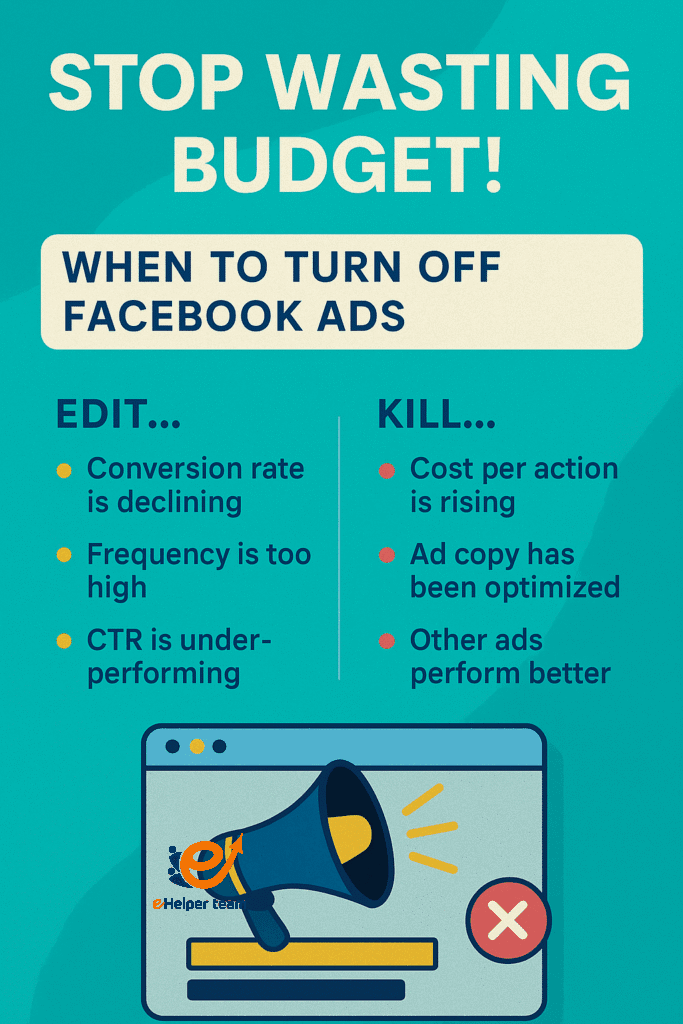


Understanding When to Turn Off Facebook Ads
Defining What “Failing” Really Means
Not every low-performing ad deserves a quick death. An ad is “failing” when it consistently underperforms across key metrics, despite adjustments. Performance must be judged relative to your goals—brand awareness, lead gen, or sales.
The Role of Ad Performance Metrics
Focus on concrete KPIs:
CTR (Click-Through Rate) – Is your ad getting noticed?
CPC (Cost Per Click) – Are you paying too much for each click?
CPA (Cost Per Acquisition) – Is your conversion cost sustainable?
ROAS (Return on Ad Spend) – Are you getting your money’s worth?
Each of these should be benchmarked before launching, so you can recognize when an ad is truly failing—not just underwhelming.
How to Analyze Ad Performance Like a Pro
1.Key Indicators That Matter
CTR below 1% suggests weak creative or targeting
CPC above industry average could indicate poor audience selection
CPA too high means you’re bleeding money for little return
ROAS under 1x = you’re losing money
2.Using Facebook Pixel to Track Effectiveness
The Facebook Pixel is your best friend when it comes to real-time feedback. It allows you to track user behavior, optimize events, and retarget with precision.
3.Timeframes to Monitor Before Acting
Allow at least 72 hours of run time before judging performance unless you’re hemorrhaging money. Data fluctuates early, and algorithms need time to stabilize.
The Simple Framework to Kill a Facebook Ad (Without Regret)
Step 1: Set Performance Benchmarks
Before launching, determine your:
Acceptable CTR
Max CPC
Target CPA
Minimum ROAS
Use historical data or industry standards.
Step 2: Establish a Time Window
Run each ad for 3–5 days minimum, unless your budget is ultra-low. Allow enough spend to generate meaningful data (typically at least 500–1000 impressions).
Step 3: Analyze and Decide
If the ad consistently falls short—kill it. If it’s borderline, consider:
Tweaking the creative
Narrowing the audience
Adjusting budget pacing
Common Pitfalls to Avoid Before Pulling the Plug
Killing Ad Campaigns Too Early
Many marketers panic and stop ads too soon. Facebook’s algorithm needs time to optimize. Killing early = wasted learning phase.
Misinterpreting Short-Term Data
One bad day doesn’t make a trend. Look at rolling 3-day or 7-day averages to smooth out spikes or dips.
Budget Errors and Over-Testing
Launching multiple ads with tiny budgets splits the data and delays learning. Test wisely and give ads enough room to prove themselves.
Facebook Ad Fatigue vs. True Failure
How to Identify Fatigue vs. Poor Targeting
Ad fatigue happens when your audience sees the same ad too often. Frequency above 3? Time for a refresh. Low CTR but high impressions? Fatigue is likely the culprit.
Creative Rotation and Audience Overlap
Change visuals, headlines, or copy weekly if targeting remains the same. If fatigue persists, create lookalike audiences or broaden your reach to combat overlap.
Tips for Optimizing Your Ad Budget Efficiently
Split Testing Techniques
Use A/B tests to evaluate:
Headlines
Images
CTA buttons
Test one variable at a time for clarity.
When to Pause vs. Kill an Ad
Pause if the ad shows some promise and you’re unsure. Kill if performance is far below benchmarks. Always document why you made the decision.
Scaling Winners Smartly
Once an ad performs well, scale budget incrementally—no more than 20% every 48 hours to avoid algorithm reset.
Explore this $5/day Facebook strategy if you’re testing ideas on a small budget.
Tools and Features That Help Decision Making
Facebook Analytics for cross-platform insights
A/B Testing dashboards for clarity
Rules automation to pause or turn off ads based on custom metrics
Case Study: How a $5/Day Ad Became Profitable After Smart Tweaks
Initial Failure Signs
CTR was below 0.5%, CPC spiked over $3, and ROAS hovered at 0.7.
What Was Optimized
Narrowed audience to high-value segments
Swapped image and headline
Used urgency in CTA
Final ROI Outcome
Within a week, CTR jumped to 1.4%, CPC dropped under $1.20, and ROAS hit 3.5x. Small changes, big results.
External Resources to Improve Your Strategy
Check out this visual guide on Facebook ad design using Canva to reduce ad fatigue and boost engagement.
Also, if you’re unsure how to install tracking tools, this Pixel installation tutorial is a must-read.
Bonus Section: Metrics Benchmarks by Industry
Average Facebook Ad Metrics by Niche (for Reference)
| Industry | CTR (%) | CPC ($) | CPA ($) | ROAS (Goal) |
|---|---|---|---|---|
| E-commerce | 1.2 – 1.5 | 0.70 – 1.20 | 15 – 30 | 2.5x – 4x |
| Lead Generation | 0.90 – 1.3 | 1.00 – 2.00 | 25 – 50 | 2x – 3x |
| Real Estate | 0.80 – 1.1 | 1.50 – 2.50 | 35 – 75 | 2x |
| Health & Wellness | 1.3 – 1.7 | 0.60 – 1.10 | 20 – 40 | 3x – 5x |
| Education & Online Courses | 1.1 – 1.6 | 0.80 – 1.50 | 30 – 70 | 2x – 3.5x |
Use these ranges to determine if your ad is underperforming within your niche. A poor CTR in real estate might be acceptable, while in e-commerce, it could be a red flag.
Expert Tip: Retarget Before You Retire the Ad
Before fully killing an ad, try retargeting visitors who didn’t convert using a custom audience. Often, they just need a nudge or clearer offer. A retargeted ad with urgency or social proof can recover ROI quickly.
Smart Pointers to Help Decide When to Turn Off Facebook Ads
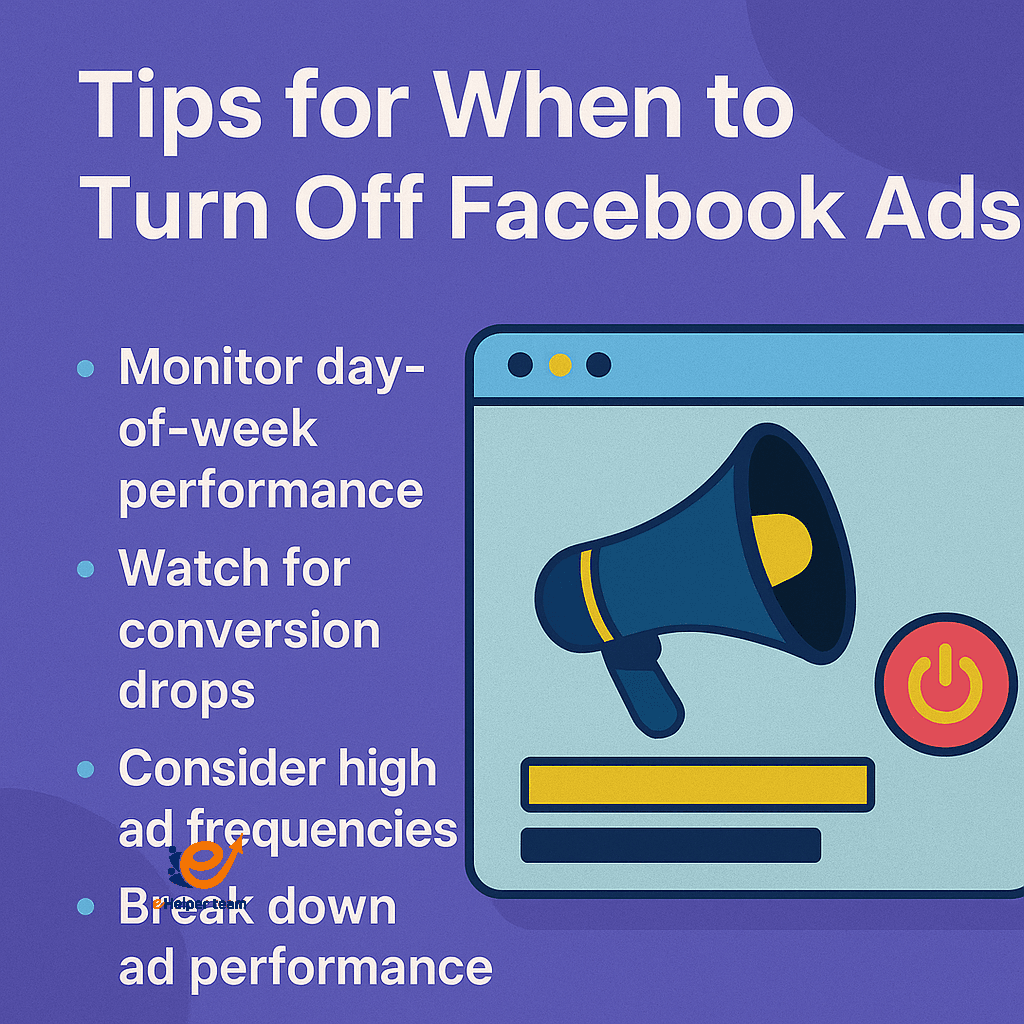
Monitor performance by day of the week; Mondays may behave differently than weekends, influencing your judgment on when to turn off Facebook ads.
A consistent drop in conversions for more than 5 days, despite adjustments, is a strong indicator it’s time for killing ad campaigns.
High ad frequency to the same audience often results in ad fatigue—this means it’s either time to rotate creatives or turn the ad off completely.
While analyzing ad performance, go beyond top-level numbers—break it down by age groups, geographic location, and devices.
Keep a reserve budget to test new creatives before making a final call on when to turn off Facebook ads.
Don’t rely solely on quantitative data—combine it with qualitative insights from user feedback and comments to understand deeper issues before killing ad campaigns.
A rolling budget strategy is key for optimizing your ad budget—adjust spending rather than abruptly ending campaigns with potential.
Consider pausing ads during off-seasons or holidays in your target market, and resume later instead of killing ad campaigns permanently.
Watch the engagement level on the post itself (likes, shares, comments) to determine if the issue is the ad creative or the post-click experience.
Facebook’s algorithm changes frequently—review and refine your decision-making criteria for when to turn off Facebook ads on a regular basis.
Recommended Tools for Facebook Ad Management
AdEspresso – for split testing and visual performance tracking.
Revealbot – to automate rules for pausing/boosting ads based on metrics.
Canva Pro – to create high-converting creatives fast.
Meta Business Suite – to unify reporting across campaigns.
FAQs About When to Turn Off Facebook Ads
Q1: How long should I run an ad before turning it off?
A: Run for at least 3–5 days or 1000+ impressions before evaluating performance unless you’re overspending.
Q2: What is a good ROAS to aim for?
A: A ROAS of 2x or higher is generally good. It varies by industry and product.
Q3: Can I edit a live ad instead of turning it off?
A: You can, but editing restarts the learning phase. Duplicate and adjust for safer testing.
Q4: Should I turn off ads at night?
A: Use Facebook’s ad scheduling tool if you know your audience isn’t active at certain hours.
Q5: Do boosted posts follow the same logic?
A: Yes, but they offer less control and fewer insights. Always monitor engagement and cost per result.
Final Thoughts: Test, Learn, Optimize
The smartest advertisers don’t just launch and hope—they test, observe, and make tough decisions like when to turn off Facebook ads. With a clear strategy, proper metrics, and patience, you’ll protect your budget and scale winning campaigns effectively.
Take the time to study your results. Revisit this framework whenever in doubt. Don’t hesitate to pause and rework your approach—it’s part of the journey to profitable advertising.


