Repurpose TikTok Videos the Smart Way: Reels, Shorts & Pinterest Guide
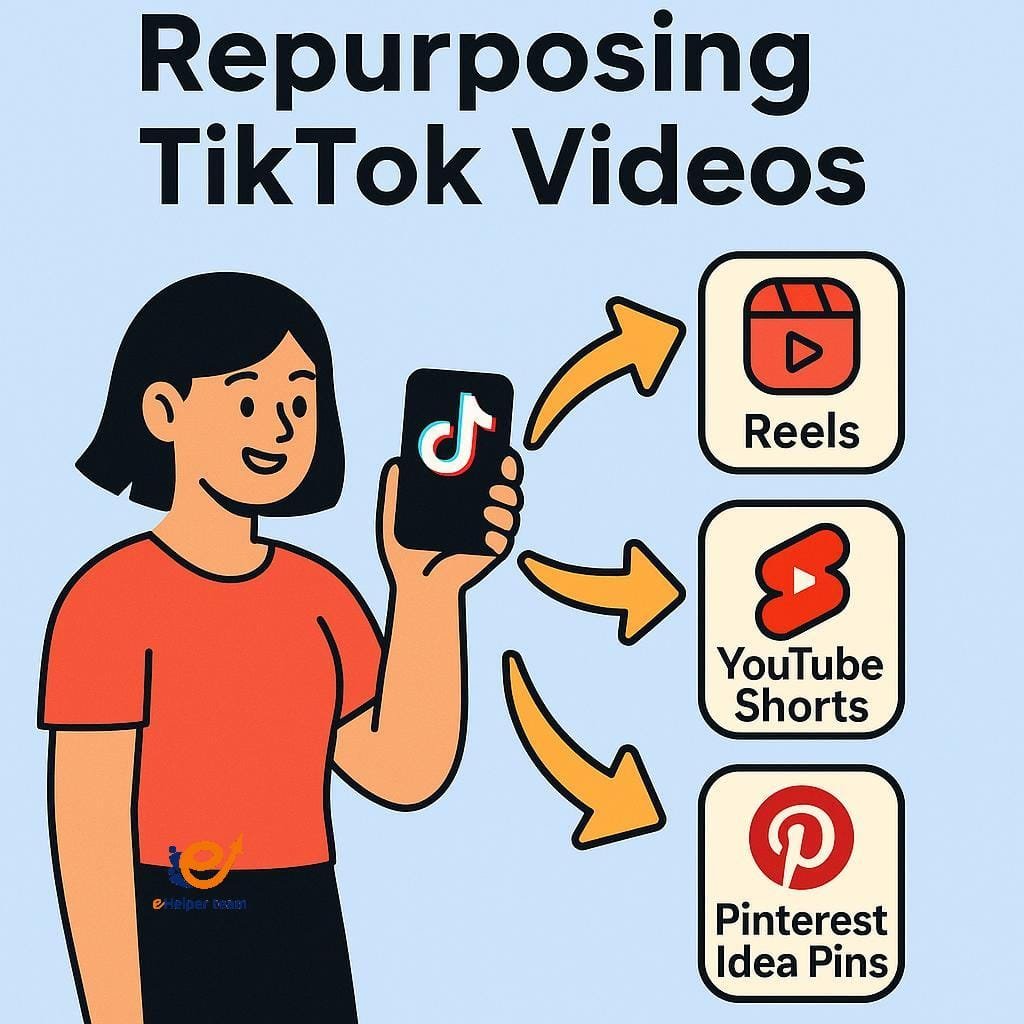
Have you created a TikTok video that went viral—or at least gained solid traction—and wondered how to make the most of it beyond TikTok? You’re not alone. Repurposing that content can drastically increase your reach with minimal effort. In fact, repurpose TikTok videos and you’ll find your message spreading across Instagram Reels, YouTube Shorts, and even Pinterest Idea Pins.
Why let great content fade after a few days on one app? With TikTok, Reels, and Shorts all competing for short-form dominance, reusing content intelligently is not just efficient—it’s essential. According to this article on going viral across platforms, cross-posting boosts discoverability and helps maintain momentum.
The best part? Repurposing doesn’t require advanced tech skills or massive budgets. With a few tweaks, you can give your content a second life—and reach audiences you never knew you had.
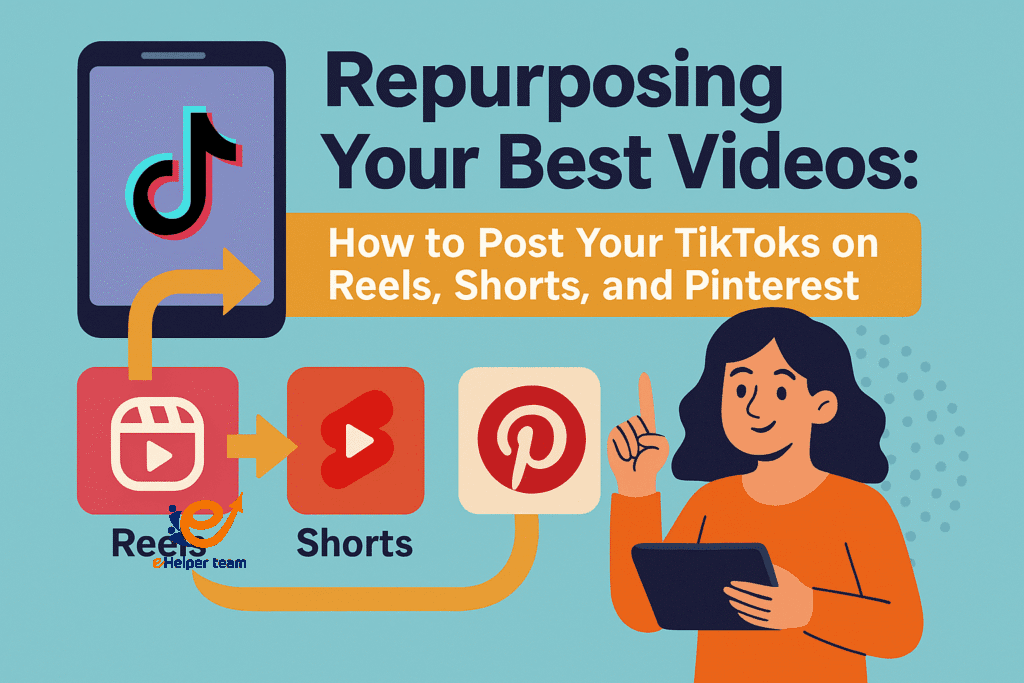

Benefits of a Cross-Platform Content Strategy
A strong cross-platform content strategy ensures your videos work harder for you. Here’s what makes it powerful:
Increased visibility: Each platform has a unique audience
Extended content lifespan: TikToks fade fast; Reels and Shorts stay visible longer
Diversified traffic sources: Reach different age groups and demographics
More ROI from your time: No need to reinvent the wheel for each app
Getting Started: Prepping Your TikTok Videos for Reuse
1.Removing TikTok Watermark Without Quality Loss
Before reposting, it’s crucial to remove the TikTok watermark. Most platforms penalize or de-prioritize videos with obvious watermarks from competitors. Here are a few trusted methods:
SnapTik or SSSTikTok (free online tools)
CapCut or InShot (edit around the watermark)
Re-downloading from drafts before publishing
Always ensure the video remains crisp. Quality matters more than ever on visual-heavy apps like Instagram and Pinterest.
2.Choosing the Right Tools for Video Export
High-quality export tools make or break your content. Apps like VN Video Editor, Adobe Rush, or CapCut let you trim, resize, and stylize content for each platform’s specs. For more on smart editing tools, explore this guide on top AI video generators.
How to Post TikTok Videos on Instagram Reels
1.Video Dimensions, Duration & Format Best Practices
Reels follow similar rules to TikTok:
Resolution: 1080 x 1920 (vertical)
Duration: 15–90 seconds
Format: MP4 or MOV
Make sure your CTA appears early, and that the video title is centered to avoid cropping.
2.CTA Tactics That Work on Instagram
Reels audiences respond well to:
“Watch ‘til the end!”
“Save this for later”
“Tag someone who needs this”
Engagement-focused CTAs can push your video to more feeds via Instagram’s algorithm.
Sharing Your TikToks on YouTube Shorts the Right Way
Best Format for YouTube Shorts
To make the most of YouTube Shorts, follow these guidelines:
Max Duration: 60 seconds
Aspect Ratio: 9:16
File Format: MP4 preferred
Unlike TikTok, YouTube Shorts live permanently on your channel, increasing chances of evergreen traffic.
Adding Captions & Hashtags That Convert
YouTube Shorts thrives on discoverability. Use strong descriptions with relevant keywords and no more than 3–5 hashtags. Also, add captions—many users watch on mute.
Converting TikToks into Pinterest Idea Pins
What Makes a Great Idea Pin
Pinterest is less about trends and more about inspiration. Use your TikTok video as the base, then:
Break it into mini-steps
Add overlay text explaining the value
Choose a scroll-stopping cover image
Pinterest Idea Pins stay discoverable for months, especially when optimized for seasonal or evergreen topics.
Using Pinterest for Long-Term Content Discovery
Think of Pinterest like a visual search engine. Repurposed TikTok content performs well when structured as tutorials, checklists, or product showcases. Link each pin to your blog or product page for extra traffic.
Pro Tips & Tools to Automate the Repurposing Workflow
AI Video Tools to Speed Up Repurposing
Use tools like Pictory, Wisecut, or Opus Clip to automatically slice, resize, and reformat your video for various platforms. These tools even generate captions and auto-trim silent sections.
OBS & Streaming Tools to Enhance Quality
For streamers and long-form creators, OBS plugins help maintain video quality when extracting clips. See this OBS pluginguide to maximize video quality before uploading to TikTok or Reels.
Case Study: Going Viral Across Platforms with One Video
A fitness coach uploaded a 45-second tip on TikTok. With a few edits—removing the watermark, adjusting the caption, and resizing the frame—they reposted it on Reels and Shorts. Results:
TikTok: 25K views
Reels: 32K views and 500 saves
Shorts: 18K views and 250 new subscribers
Pinterest: 9K views, with 300 outbound clicks to their ebook
All from a single original clip. This is how you repurpose TikTok videos for maximum gain.
Internal and External Links for Growth Strategy
For a broader understanding of short-form content strategy, consider reading additional guides on trending video performance and short-form algorithms available on Investopedia and other trusted media tech platforms.
Also, don’t miss this valuable article on how to go viral across multiple video apps.
Monetizing Repurposed Content Across Platforms
One of the most overlooked benefits when you repurpose TikTok videos is revenue expansion. Each platform offers monetization pathways:
YouTube Shorts: Once you meet the Shorts monetization threshold, you can earn through ads and fan funding.
Instagram Reels: Offers bonuses through the Reels Play program (depending on eligibility and location).
Pinterest Idea Pins: Enable creators to link products, drive affiliate sales, or grow traffic to monetized blogs or shops.
By repurposing one high-performing video, creators often find themselves eligible for payouts on multiple platforms, increasing total earnings without creating new content from scratch.
Optimizing Audio and Text for Multi-Platform Use
Audio plays a different role on each app. TikTok thrives on trending sounds, but those don’t always translate well to Reels or Shorts. To optimize:
Swap in platform-native sounds when reposting
Use royalty-free audio if monetization is the goal
Record your own voiceover for universal compatibility
As for text, every platform supports different visual zones. Pinterest, for instance, prefers minimal overlay, while YouTube Shorts benefits from bold text up top. Always test readability on mobile.
Managing Repurposed Content Without Overwhelm
If you’re consistently creating, it’s easy to lose track of what’s been posted where. A few methods to stay organized:
Use a content tracker spreadsheet with columns for platform, status, link, and engagement
Tools like Later, Metricool, or Buffer offer automation and calendar scheduling
Create platform-specific folders when exporting edits (e.g., “TikTok-ready”, “Reels final”, “Shorts with captions”)
This reduces redundancy, ensures proper posting intervals, and helps measure performance clearly.
Cultural and Contextual Adjustments When Reposting
Your video may go viral on TikTok in the US but fall flat on Pinterest or Reels in the UK. Why? Context. Consider:
Audience language and slang
Cultural preferences in humor, pacing, or music
Platform tone (Pinterest favors value and aesthetics; TikTok allows more raw, humorous content)
Rewriting your caption, editing your hook, or altering emojis can make your repurposed video more relatable to new audiences.
Trends to Watch in Cross-Platform Video Strategy
As short-form video continues to evolve, staying ahead of trends ensures your repurposing strategy remains effective:
Multi-link tools (like Beacons or Linktree) allow creators to direct viewers from videos to lead magnets or shops.
Vertical SEO is growing—platforms now index video titles and descriptions, so optimize for keywords.
AI optimization: Tools will soon suggest best titles, thumbnails, and captions based on engagement data.
Following these trends not only future-proofs your strategy, but also aligns your content with platform priorities.
FAQs About How to Repurpose TikTok Videos
Q1: Can I repost TikToks directly to Reels without editing?
You can, but removing the watermark and adjusting the format will improve performance and reach.
Q2: Is it legal to repost the same content on different platforms?
Yes, as long as you own the video and music rights. Avoid using copyrighted music when repurposing.
Q3: What’s the best time to post repurposed content?
It varies by platform. Use insights from each app’s analytics to test and adjust.
Q4: How many times can I reuse the same video?
You can repurpose it across all major platforms—just keep content fresh with updates or added context.
Q5: Should I change captions when reposting TikToks?
Yes. Tailor captions to each platform’s tone and character limits to boost engagement.
Final Thoughts: Build More from What You Already Created
Repurposing isn’t just a trend—it’s a sustainable strategy. When you repurpose TikTok videos effectively, you’re not just extending your content’s life—you’re building visibility across platforms, engaging more viewers, and maximizing ROI.
Start with your best-performing TikTok today. Rework, repost, and watch your content multiply in impact.


