10 Creative Green Screen TikTok Ideas to Boost Views and Engagement
Have you ever scrolled through TikTok and thought, “How did they make that background move like that?” or “Did they really film this in outer space?” That’s the magic of the green screen effect. In 2025, creators are using it not just to enhance visuals, but to transform storytelling entirely.
If you’re searching for green screen TikTok ideas that go beyond basic tricks and actually help you connect with viewers, this guide is for you. Whether you’re reacting to content, explaining a concept, or creating funny skits, the green screen effect is your passport to standing out.
Before we dive into the strategies, make sure you’re using the right tools. Some of the best content creators today rely on AI video generators that integrate green screen features with drag-and-drop editing.
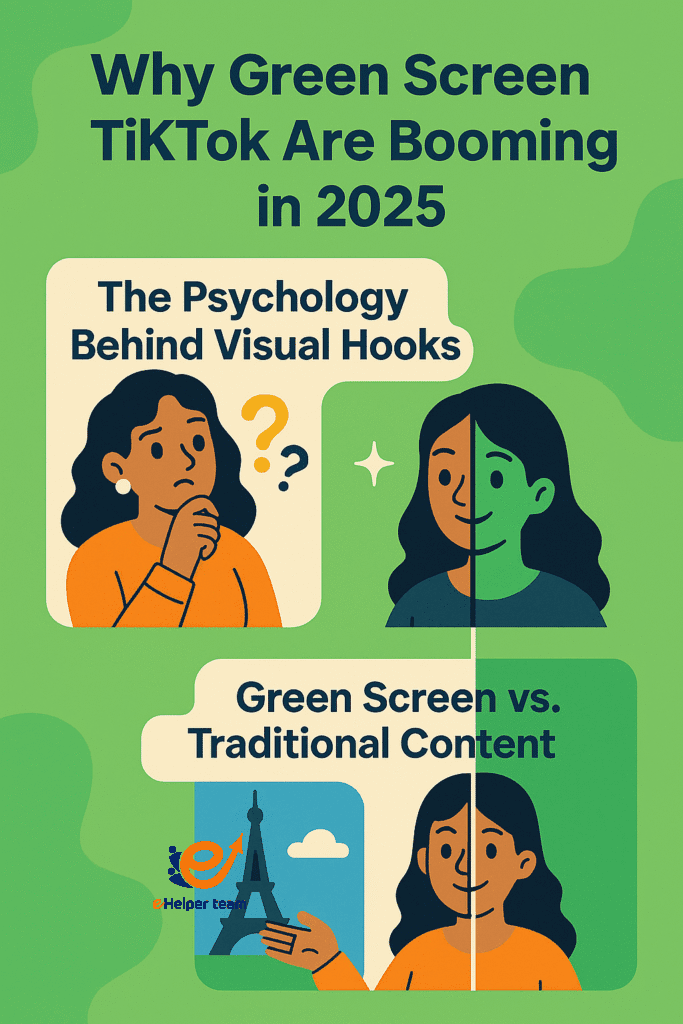


Why Green Screen TikToks Are Booming in 2025
1.The Psychology Behind Visual Hooks
Human attention is increasingly visual. TikTok thrives on short, sharp, surprising visuals. The green screen effect triggers immediate curiosity—where is this person? Are they really there? That intrigue hooks your audience in the first three seconds.
2.Green Screen vs. Traditional Content
While traditional TikTok videos rely on background aesthetics or location, green screen gives you full control. Want to appear at the Eiffel Tower? In a video game? Inside a news report? You can do all that from your living room.
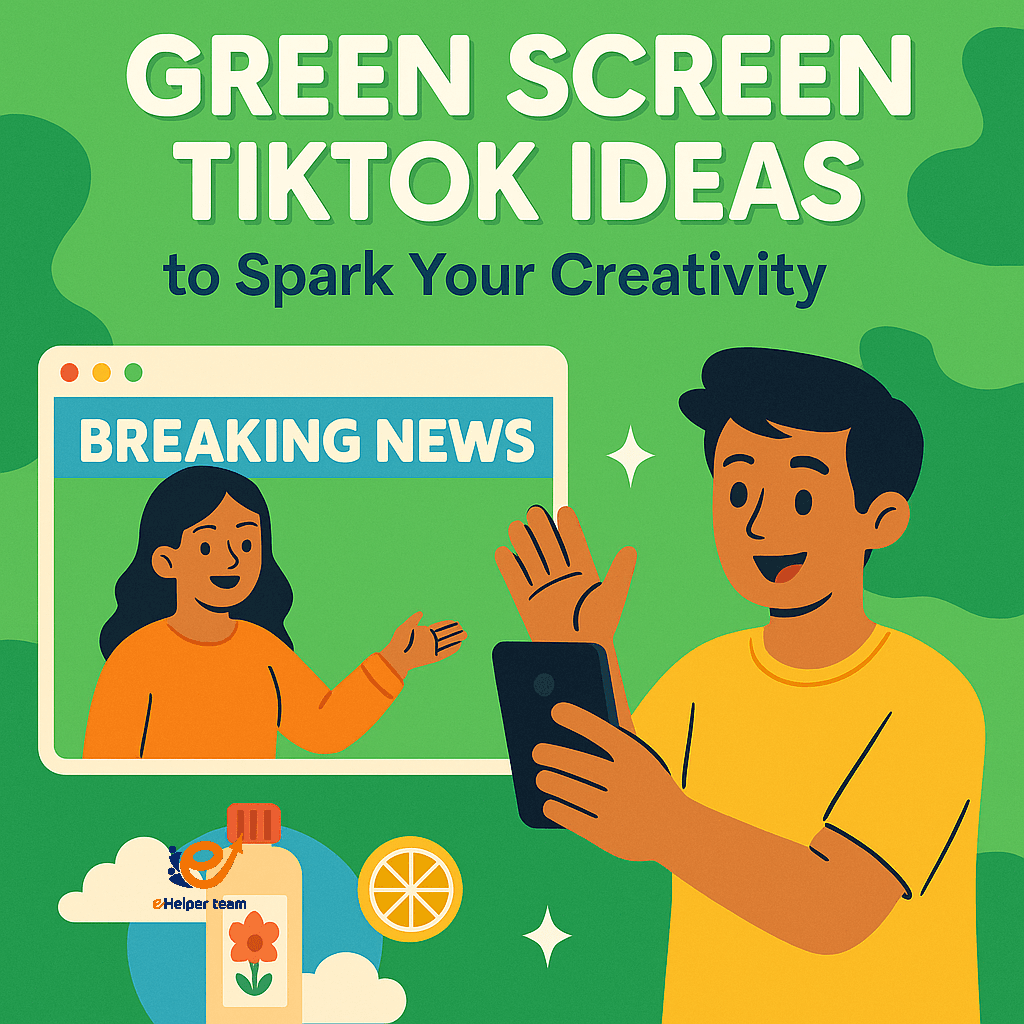
green screen tiktok ideas to Spark Your Creativity
1.Reacting to Content in Real Time
Use the green screen to place yourself over trending videos. Add humorous or thoughtful commentary as if you’re part of the original footage. It’s engaging, familiar, and often viral.
2.Creating Mock Newscasts or Weather Reports
Present information like a pro. Report on TikTok drama, pop culture, or even parody the news using animated backdrops and classic news banners.
3.Product Showcases With a Twist
Showcase items with creative backdrops. Selling skincare? Float through clouds as you explain the benefits. Marketing a new app? Hover over a digital interface walkthrough.
How to Use Green Screen Effect on TikTok – A Quick Guide
Accessing the Effect
From the TikTok record screen, tap “Effects,” then “Green Screen.” You can choose from uploading an image or video as your background.
Layering Backgrounds and Filters
Combine green screen with filters to match your vibe—retro, dreamy, cinematic. Keep the subject crisp and make sure lighting is consistent.
Avoiding Common Mistakes
Watch out for pixelation or mismatched shadows. Always preview before posting and avoid overly busy backgrounds.
Using Green Screen in Explainer Videos and Presentations
Educational Content
Teachers and coaches are using green screen to explain concepts with visual aids behind them—maps, charts, or real-time examples.
Marketing and Product Demos
Use it to simulate a product in action. Show your app interface behind you while guiding viewers through its features.
Storytelling With Funny Skits and Characters
Multi-Role Acting
Want to play the mom, the kid, and the confused dog? Green screen lets you shoot scenes separately and stitch them together with comedic timing.
Satirical and Meme-Based Content
Stand in front of meme templates or famous moments and add your commentary. It’s ideal for reaching a wider audience.
Creative Case Studies: Real TikToks That Went Viral
Skits, Parodies, and Viral Trends
One creator gained 2 million views by standing in front of screenshots of a text message breakup, acting out both sides with over-the-top emotions.
What Made Them Work?
The green screen allowed flexibility, the script added personality, and the concept was instantly relatable.
Best Practices to Maximize Engagement
Hooking Viewers in 3 Seconds
Your first line or movement matters. Check out these hook ideas to grab attention fast.
TikTok Analytics Insights
Understanding viewer retention, rewatches, and drop-off points is key. Learn how in this analytics guide.
Top Tools to Make Green Screen Content Easier
AI Video Generators
If you don’t want to edit manually, platforms like Runway or InVideo let you apply green screen and effects in minutes.
Mobile Video Editing Apps
Apps like CapCut and VN make editing on the go easy and often come with green screen templates.
How to Keep Viewers Watching Until the End
Length Optimization and Structure
Short videos perform best. Aim for 15–30 seconds. Place your “payoff” moment at the end to reward viewers.
Discover more tips in this watch time strategy guide.
Mistakes to Avoid When Using Green Screen
Overcomplicating Visuals
Your background shouldn’t distract from the message. Keep it simple unless the visual is the punchline.
Ignoring Sound and Pacing
Audio matters. Sync your speech with visuals and keep a rhythm that matches your topic’s tone.
Green Screen as a Tool for Visual Storytelling in Education
Many educators on TikTok have started using the green screen effect to create interactive micro-lessons. They stand in front of diagrams, maps, math problems, or even historical timelines, making their teaching style visually immersive.
Rather than posting PowerPoint slides or static video lectures, these short-form lessons are ideal for mobile-first learners. Green screen also allows for layered storytelling — combining narration, background visuals, and emojis or motion graphics.
This aligns with modern learning design techniques. If you’re curious about its foundation, check this reference on educational multimedia.
Subtle Use of Humor With Green Screen Skits
Humor drives engagement — but not all jokes require a costume or loud voice. Smart creators use the green screen to build subtle, clever skits that blend commentary with irony.
For instance:
A creator stands in front of an empty Zoom meeting and acts as both boss and employee.
A parody of a motivational speaker is delivered in front of chaotic office charts.
Someone reenacts a customer service nightmare in front of a support email thread.
Each scene becomes funnier when the background itself is part of the joke. This works especially well with funny skits aimed at relatable life moments.
Extra Green Screen TikTok Ideas to Expand Your Strategy
If you want to take your creativity a step further, here are advanced ideas that haven’t been covered above:
Use green screen transitions to shift between past and present, especially when telling a personal story or business journey.
Create a visual mashup by combining two different trends using split-screen green screen overlays.
Collaborate remotely with other creators by filming separately and stitching scenes using shared backgrounds.
Turn screenshots of your audience’s questions into a Q&A backdrop while answering in real time.
Build quick explainer videos for product features using animated infographics behind you.
Apply green screen in parody interviews where you play both host and guest with different backdrops for each.
Use green screen tiktok ideas to place yourself inside customer testimonials or online reviews as proof of trust.
Try reacting to content from older generations or contrasting modern culture with retro visuals.
Turn bullet-point presentations into storytelling moments by standing in front of your own slides, with smooth transitions.
Experiment with layering motion graphics and backgrounds to simulate AR-style visuals without filters.
Reference classic film sets or iconic moments in pop culture using visual effects for creative depth.
You can learn more about how visuals impact viewer perception by exploring the science of visual effects and composition design.
FAQs About Green Screen TikTok Ideas
Q1: Do I need special equipment to use the green screen effect?
No, TikTok’s in-app green screen effect works with any background photo or video.
Q2: Can I combine green screen with trending sounds?
Yes. This creates highly shareable content and boosts engagement.
Q3: Is green screen content more engaging than regular TikToks?
If used creatively, yes. Visual novelty attracts views and retention.
Q4: How can I get more people to finish my green screen videos?
Use curiosity-driven hooks and end with a surprise or twist. Also, structure your video with a narrative arc.
Q5: Is this feature available for all devices?
Most modern smartphones running TikTok support it. Update your app for best results.
Final Thoughts and Next Steps
TikTok green screen videos offer more than flashy effects—they’re tools to tell deeper stories, deliver sharper messages, and entertain in fresh ways. Whether you’re creating tutorials, jokes, or emotional moments, there’s a place for green screen in your content strategy.
Ready to go viral? Try one idea today and let your creativity shine.


