Top 7 Free Project Management Tools for Individuals – Boost Freelance Productivity
Free project management tools for individuals are transforming how freelancers handle clients, deadlines, and tasks—without paying a cent,Could the answer lie in something as simple as a better tool?
For today’s solo workers, staying organized is non-negotiable. Whether you’re a freelance designer, writer, consultant, or virtual assistant, keeping track of client work, managing timelines, and handling communication efficiently is key to delivering consistently high-quality results. But let’s be honest—premium software subscriptions can quickly eat into a freelancer’s income.
And the good news? You don’t need to invest in paid solutions to stay on top of your game. From managing content calendars to tracking client meetings, this article explores tools that help you reclaim control. Tools like Trello, Notion, and Asana give you that boost without draining your wallet. Plus, they’re used and trusted by thousands of freelancers just like you.
This guide will also show you how to combine these platforms with clever workflow strategies to streamline your freelance business, and we’ll explore useful additions like audio transcription for beginners that enhance your productivity without extra cost.
Why Freelancers Need Project Management Tools
1.The Rise of Solo Entrepreneurship
The gig economy is booming, and with it, a rising class of self-employed professionals who handle everything from sales to delivery. Freelancers often wear many hats, and staying on track becomes tricky without support systems.
2.Challenges in Managing Client Tasks Alone
Overlapping deadlines
Inconsistent communication
Missed deliverables
No visual overview of progress
Without tools to delegate tasks or automate follow-ups, even the most experienced freelancer can fall behind.
What to Look for in Free Project Management Tools
1.Key Features for Solo Users
When choosing a platform, prioritize:
Task scheduling and reminders
Visual boards or timelines
File sharing and commenting
Mobile access
2.Scalability and Integrations
Free plans should offer:
Integration with email and calendars
Optional upgrades if your workflow expands
Basic analytics to track performance
3.Trello for Personal Projects
Trello is a visual, card-based task manager ideal for organizing tasks and ideas.
4.Overview of Trello
Trello’s user interface is built around “boards” and “cards.” You can use it to:
Track daily to-dos
Manage client-specific tasks
Set deadlines and checklists
4.Visual Workflows and Board System
Its drag-and-drop interface allows users to:
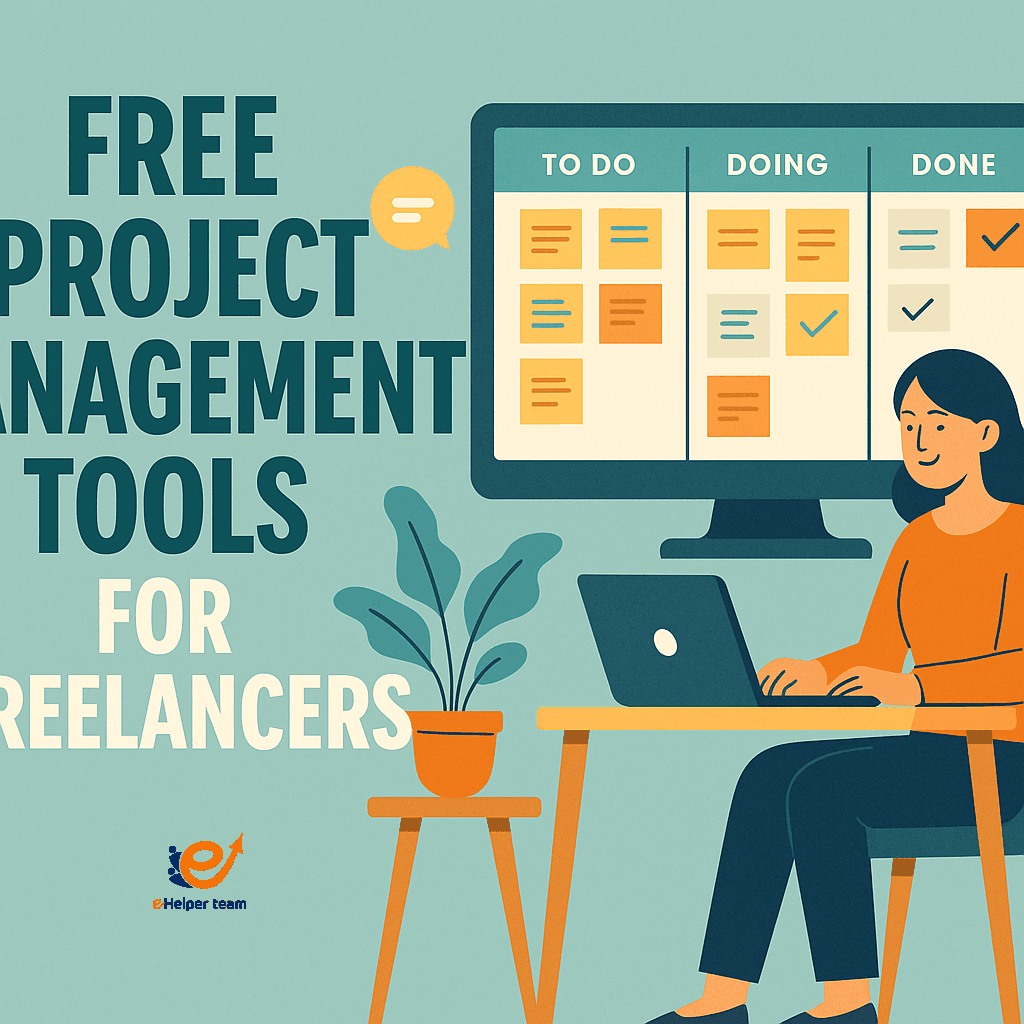
Move tasks between phases (e.g., To-Do → In Progress → Done)
Label and color-code tasks for quick reference
Trello for personal projects works especially well when combined with templates and integrations like Google Drive or Slack.
Exploring the Asana Free Plan Limitations
Asana is popular for team projects, but how does it fare for individuals?
What’s Included in the Free Tier?
Task lists and boards
Due dates and assignments
Calendar and app integration
What’s Missing for Individuals?
Timeline (Gantt chart view) locked behind paywall
No workload balancing
Limited to 15 team members (but fine for solo users)
Despite these Asana free plan limitations, many freelancers still find it powerful for small project tracking.
Notion vs Trello – Which One Fits Freelancers Best?
1.Customization vs Simplicity
Notion offers deep customization for databases, notes, and templates
Trello is more streamlined for visual task management
2.Collaboration and Content Management
Notion is ideal for:
Content creators managing articles or scripts
Creating knowledge bases for client projects
Trello is better if:
You need fast visual tracking
You work on multiple, smaller projects
Explore more platforms that enhance freelance workflow in our freelancer tools guide.
Best Practices Using Free Tools
Use color labels for client priority
Set recurring tasks for follow-ups
Assign checklists for revision cycles
Example Workflows and Reminders
Notion daily planner with embedded deadline tracker
Trello board with columns for each client
Asana task list linked to Google Calendar
Each tool shines when tailored to your workflow.
Tools Comparison Table
| Tool | Best For | Strengths | Limitations |
|---|---|---|---|
| Trello | Visual Task Management | Easy UI, integration options | No advanced analytics |
| Asana | Timeline Tasks | Calendar view, reminders | Free plan lacks Gantt view |
| Notion | Content Management | Flexible, customizable | Learning curve |
| ClickUp | Task + Time Tracking | Time logs, templates | Cluttered interface |
| Todoist | Quick Task Capturing | Fast, intuitive | Limited collaboration features |
Real-World Case Study: Freelancers Who Use These Tools
1.Real Feedback from Creatives
“Trello saved me from missing deadlines by giving me a clear visual roadmap.” – Dana, freelance writer
“I use Notion to create client-specific dashboards. It makes my presentations look more polished.” – Omar, UX designer
2.Results After 3 Months
Increased delivery accuracy by 40%
Reduced forgotten tasks by over 60%
Higher client satisfaction reported
Choosing the Right Tool Based on Your Niche
2.Designers, Writers, Developers – Who Needs What?
Writers: Notion for research and content planning
Designers: Trello + Dropbox for sharing revisions
Developers: ClickUp with GitHub integration
One size doesn’t fit all—adapt the tool to your niche.
2.Audio Tools to Complement Project Management
Many freelancers now record client calls or team meetings. Using free transcription tools can speed up documentation.
Explore this guide: Audio Transcription for Beginners
How to Use Project Management Tools to Enhance Client Trust
Clients don’t just pay for the final deliverable—they pay for professionalism. And the way you manage projects reflects that. Here’s how your use of project management tools can directly improve your client relationships:
Transparency Builds Confidence
Invite clients to view shared boards or task progress. Tools like Trello and Asana allow you to add clients as “view-only” members. This:
Shows them where their project stands
Reduces the need for constant email updates
Demonstrates your commitment to accountability
Organized Communication Minimizes Misunderstanding
When all files, briefs, comments, and deadlines live in one place, confusion drops. You stop digging through email threads, and clients stop asking, “Where are we on this?”
Timely Delivery Creates Long-Term Clients
When you consistently meet deadlines and update your boards visibly, clients feel safe re-hiring you. That’s the foundation of long-term freelance success.
The Hidden Costs of Not Using a Project Management Tool
Still not convinced? Let’s flip the scenario: what happens when freelancers don’t use tools?
Missed Deadlines: Without a scheduling system, even the most talented freelancers miss key dates.
Scope Creep: Lack of task documentation leads to taking on more work than agreed—often unpaid.
Client Distrust: Disorganized workflows make clients hesitate before offering bigger contracts.
Over time, these issues quietly drain your energy, reputation, and income potential.
So while the tools may be “free,” not using them could cost you far more.
Daily Workflow Blueprint for Freelancers Using Free Project Management Tools
Establishing a daily routine is one of the simplest but most effective ways freelancers can harness the full power of project management tools. Here’s a practical blueprint to structure your workday around Trello, Asana, or Notion:
Morning: Prioritize and Plan (8:00–9:00 AM)
Open your task dashboard (Trello board / Asana list / Notion daily planner)
Review tasks due today
Move or reassign any overdue items
Mark top 3 priorities
Midday: Execution & Time Tracking (9:30 AM–1:00 PM)
Work in 90-minute focus blocks (use Pomodoro if needed)
Track time using tools like Toggl or ClickUp timers
Drop quick notes or files directly into each task card/page for future reference
Break & Reset (1:00–2:00 PM)
Quick check-in with any client if needed (Trello comment / Notion shared doc / Asana status)
Update one item in each major task/project
Afternoon: Review & Delegate (3:00–5:00 PM)
Wrap up the day’s tasks and mark completions
Archive finished cards or move them to “Done”
Add tomorrow’s tasks now, based on emails or client updates
Use built-in automation (like Trello’s Butler or Notion templates) to reset your daily checklist
Weekly Wrap-Up (Fridays 4:00 PM)
Reflect: What was delayed and why?
Adjust project timelines if needed
Export or summarize completed tasks for client reporting (optional)
This routine helps reduce decision fatigue and ensures your tools serve you—not the other way around.
FAQs About Free Project Management Tools
1. What’s the best free tool for tracking time?
ClickUp and Toggl offer time-tracking on free plans, useful for billing.
2. Can I manage multiple clients on Trello?
Yes. You can create separate boards or use labels to track client-specific work.
3. Is Notion suitable for non-tech freelancers?
Yes, although it has a learning curve. Templates can simplify setup.
4. Do free tools offer mobile apps?
All mentioned tools have mobile apps with full or partial access.
5. Are these tools secure for client data?
Yes, major platforms use industry-grade encryption. For sensitive data, always enable 2FA and check privacy settings.
Final Thoughts
Free project management tools for individuals prove that staying organized doesn’t have to be expensive or complicated. With platforms like Trello, Asana, and Notion, you can simplify your freelance routine, track deliverables, and impress your clients—without spending a dime.
By choosing the right free project management tools for individuals, you not only save money but also unlock more time to focus on delivering great work. Try out one of these platforms this week.
Read Also: Upwork vs Fiverr for Beginners.