Upwork Connects Explained – Proven Tactics to Save Money and Win More Jobs
Ever applied for a job on Upwork and wondered why it costs you “Connects”? Are you burning through them too fast with little to no results? Or maybe you’re unsure when to boost a proposal or just let it ride?
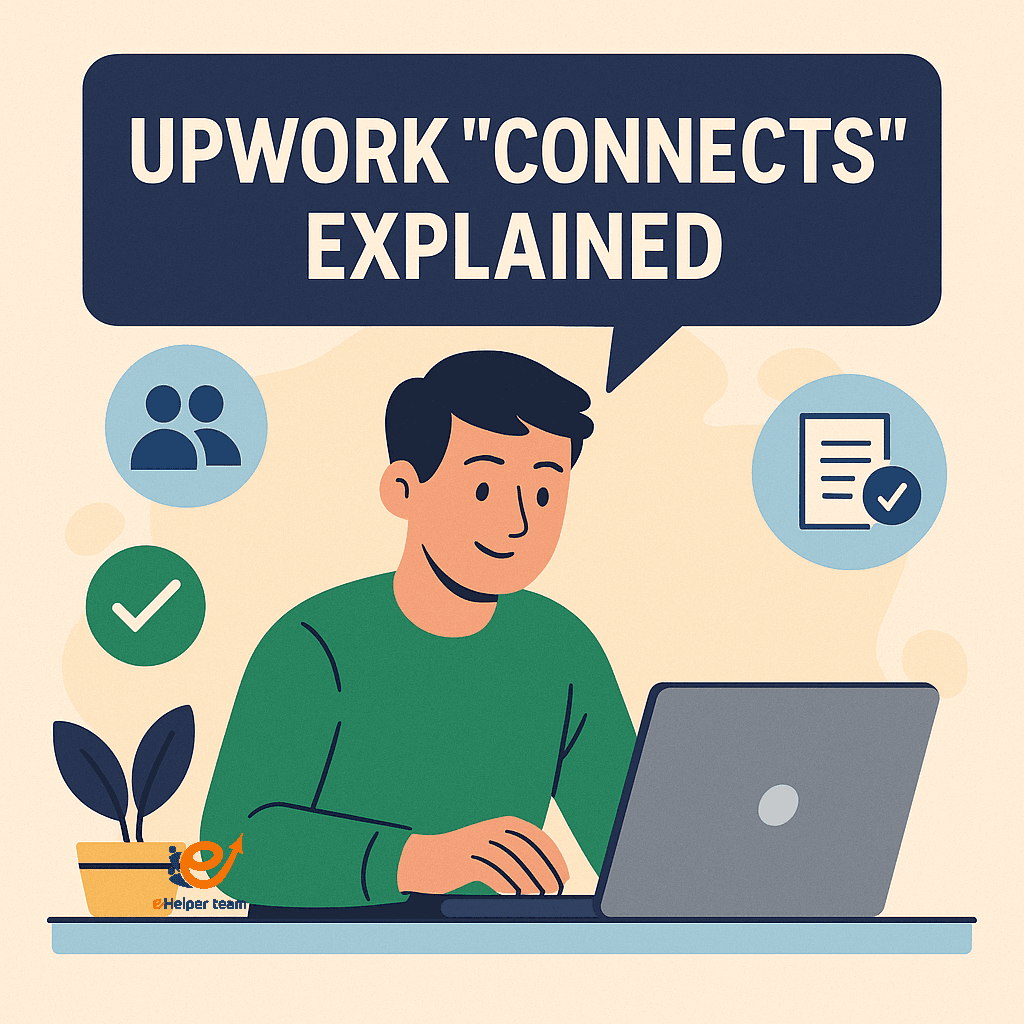
In the world of freelancing, your Upwork Connects are more than just a digital token. They are your gateway to finding work, your ticket to the front row in a crowded marketplace. Understanding them could mean the difference between landing a great gig or wasting money. In this article, you’ll get Upwork Connects explained from top to bottom—including how many to use, when to save, and how to earn them for free.
Most freelancers overlook tools that can significantly boost proposal conversion. Before diving into Connects management, you might want to check out The Ultimate Freelancer’s Toolkit—a collection of 20+ free tools to enhance performance without extra cost.
So if you’ve ever asked yourself “Are Connects worth it?” or “How can I get more Connects without paying?”, you’re in the right place.

How Many Connects to Apply for a Job?
Connects Cost per Proposal
Every job on Upwork comes with a price tag in Connects. Depending on the complexity or popularity of the job, the cost may range between 1 to 6 Connects per proposal. Specialized or high-paying jobs usually require more. But don’t panic—being selective helps reduce waste.
Connects Allocation: Free vs Paid
Each freelancer receives a set number of free Connects monthly. This allocation depends on your membership type:
| Membership | Monthly Free Connects |
|---|---|
| Basic (Free) | 10 Connects |
| Plus ($14.99/mo) | 80 Connects |
Any additional Connects must be purchased at $0.15 per Connect. While this may seem minor, those cents add up fast when applying regularly.
How to Get Free Connects on Upwork (and Maximize Them)
Upwork’s Free Connects Policy
Upwork offers occasional ways to earn free Connects without upgrading your plan. These include:
Completing your profile (40 Connects)
Earning a Rising Talent Badge (30 Connects)
Passing Upwork Readiness Test (40 Connects)
Bonuses, Referrals, and Monthly Grants
There are also hidden gems to grab Connects for free:
Monthly Connects Reset
Referral bonuses when inviting friends
Surprise campaigns from Upwork itself
Make sure to keep an eye on notifications and emails for such offers.
Boosting Proposals: Is It Worth Spending Extra Connects?
What is Proposal Boosting?
Upwork introduced the “Boost Proposal” feature allowing freelancers to spend extra Connects to place their bids higher. You’re essentially paying to get noticed first.
But here’s the twist: boosting doesn’t guarantee success—it only improves visibility. So should you always boost?
Case Study: Impact of Boosted Proposals
Let’s look at a comparison between two users:
| Freelancer A | Freelancer B |
|---|---|
| Boosted 6 Connects | No boost |
| Visible Top 3 | Listed Below |
| Same hourly rate | Same skill level |
| 2x Interview Rate | Lower Interview Rate |
From this real-world scenario, visibility does increase engagement, but it depends heavily on the quality of your proposal and profile.
This is why a guide like Upwork vs Fiverr for Beginners helps you understand the nuances between platforms and spending tokens wisely.
Are Connects Really Worth It? A Cost-Benefit Breakdown
ROI of Paid Connects vs Free Connects
Many freelancers wonder: is buying Connects smart or just money down the drain?
Free Connects: Limited, but great for testing waters.
Paid Connects: Ideal for serious job seekers ready to invest.
A typical freelance contract starts at $200+. Spending 6 Connects (90 cents) for a job with such payout could mean 200x return if successful.
Freelancers’ Experiences: Wins and Losses
Some freelancers report no returns after dozens of Connects. The difference? Usually, it’s poor targeting or low-quality proposals.
The Psychology Behind Proposal Limits: Why Connects Exist
Reducing Spam and Increasing Proposal Quality
Connects act as a filter—ensuring that only serious freelancers apply. Without this gatekeeping, clients would be swamped with irrelevant applications.
Encouraging Strategy over Spamming
Think of Connects as your budget. Freelancers who plan, research, and customize each application are more likely to land jobs and make every Connect count.
3 Common Mistakes Freelancers Make With Connects
Wasting Connects on Low-Quality Jobs
Don’t apply to jobs with vague scopes, zero client history, or no payment verification. These are red flags that could waste your Connects.
Not Updating Profiles Before Applying
Before applying, make sure your profile reflects relevant skills. You can check 10 Upwork Profile Examples That Get You Hired to boost your odds.
Overusing Boosts Without Understanding ROI
Don’t boost every job. Save boosts for jobs with higher pay, repeat clients, or strong match with your expertise.
5 Expert Tips to Use Upwork Connects Wisely
Target High-Conversion Jobs Only
Apply only to jobs with a clear scope, verified payment method, and recent activity.
Set Weekly Connects Budget
Limit yourself to a fixed number of Connects weekly. This ensures long-term availability and smarter spending.
Reuse Winning Proposal Templates
Build a swipe file of proposals that got interviews. Customize each but keep successful structures.
How Connects Shape Freelancing Platforms (Comparison Table)
| Feature | Upwork | Fiverr |
|---|---|---|
| Connects/Offers | Required (Paid) | No Connects Needed |
| Proposal Limit | Yes | Unlimited Offers |
| Boost Feature | Yes | No (featured gig only) |
The Ultimate Freelancer’s Toolkit
A curated list of 20+ free tools can make your job-hunting process smoother and faster. This includes time trackers, grammar checkers, and proposal builders. Read it here.
Profile Optimization and Copy-Paste Templates
Upwork favors polished profiles. Find proven examples and ready-to-use proposals in this helpful guide: Upwork Profiles That Get Hired.
What Do Clients Actually Look For?
Personalization: Does your proposal mention their specific project details?
Confidence: Are you offering a solution or asking for work?
Proof of past success: Do you reference a similar project or show results?
When freelancers treat every proposal like a copy-paste formality, clients notice. If you’ve ever wondered “are Connects worth it?”, the answer lies in how strategically you’re writing proposals—not just how many you send.
Micro-Test Strategy: A/B Testing Your Connects Usage
Most freelancers don’t know they can test and measure what actually works. One of the smartest ways to use Connects is to apply a micro-A/B testing approach.
How to Do It:
Week 1–2: Send 5 proposals with basic format and standard timing.
Week 3–4: Send 5 proposals that are fully tailored, sent within 10 minutes of job posting.
Compare Results: Measure views, interviews, hires, and ROI per Connect.
This approach turns the concept of “Upwork connects explained” into actionable insights—and helps you find a winning system tailored to your niche.
The Hidden Cost of Free Connects: Why They Might Be Hurting You
Everyone loves the idea of how to get free connects on Upwork, but what if those “freebies” are actually costing you real gigs?
Here’s how:
False Confidence: Free Connects encourage over-application, even to weak jobs
Diluted Focus: You stop applying selectively
Over-saturation: Clients receive more poor-quality proposals, hurting everyone
Instead of focusing just on how to get them, ask yourself why you’re using them. Free Connects are most valuable when treated like paid currency—because the real cost is missed opportunity.
Frequently Asked Questions
Q1: How many Connects do I need per proposal?
Most jobs require between 1 to 6 Connects, depending on the category and competition.
Q2: Can I get Connects for free on Upwork?
Yes, through profile completion, readiness tests, and the Rising Talent program.
Q3: Is it smart to buy Connects?
If you target quality jobs with good payout, yes—it can offer strong ROI.
Q4: Should I always boost proposals?
Not always. Boost only when job quality is high and your skill match is strong.
Q5: What’s the best way to make Connects last longer?
Apply selectively, reuse templates, and optimize your profile to boost conversion rate..
Final Thoughts: Make Your Connects Work For You
Mastering Upwork Connects is about strategy, not spending. Apply where your chances are highest, boost only when it counts, and keep refining your profile and proposals. Use tools, avoid common mistakes, and track your ROI.
If you’re serious about growing your freelance career, start by using every Connect wisely—and explore your platform options today by reading Upwork vs Fiverr for Beginners.