YouTube Content Calendar: Plan Smarter & Never Run Out of Video Ideas
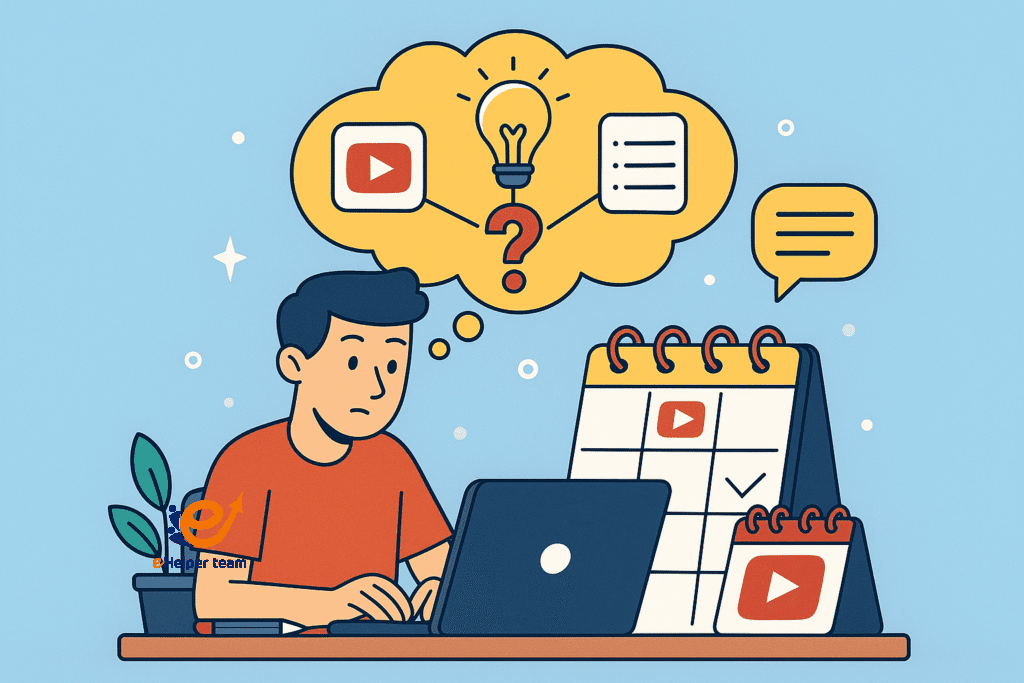
Have you ever wondered how a youtube content calendar can transform your YouTube channel? Many creators struggle to keep up with consistent uploads, often running out of ideas or scrambling at the last minute. Without a clear system, it’s easy to lose momentum—and your audience’s attention.
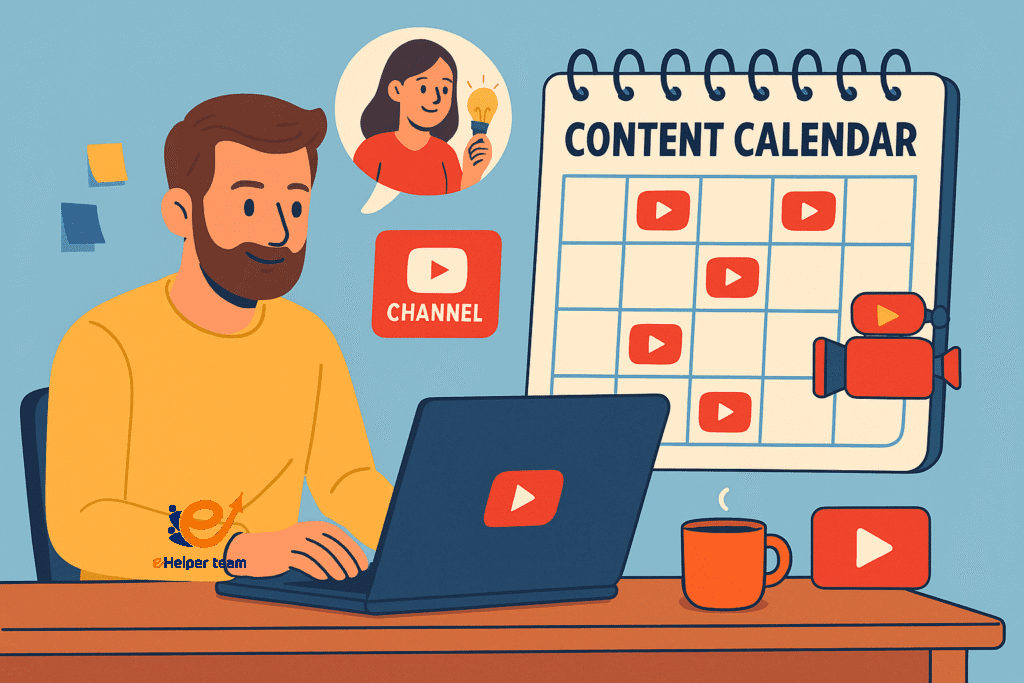
Imagine knowing exactly what you’ll film, when you’ll post it, and how each piece of content aligns with your channel’s growth goals. A well-structured YouTube content calendar takes the guesswork out of planning and ensures you’re always ahead of schedule. It becomes your creative blueprint, helping you balance trending topics, evergreen content, and series-based videos.
In this article, we’ll explore how to build a content calendar tailored for YouTube, covering everything from brainstorming fresh ideas to batching video production. You’ll learn strategies for organizing topics, optimizing your posting schedule, and keeping your creativity flowing, so you never run out of engaging content again. Whether you’re an experienced creator or just starting out, these tips will help you maintain consistency and grow your audience with ease.
Why Every YouTuber Needs a Content Calendar
1.Consistency Builds Trust
Audiences value predictability. When they know you post every Tuesday and Friday, they’re more likely to return regularly.
2.Boosting Creativity Through Structure
A calendar doesn’t stifle creativity—it gives it a framework. You can plan for seasonal trends, special events, and thematic series while leaving room for spontaneous uploads.
Steps to Create Your YouTube Content Calendar
1. Define Your Channel’s Goals
Start by clarifying whether you want to grow subscribers, increase watch time, or boost engagement. Your calendar should align with these objectives.
2. Research and List Video Ideas
Use keyword tools, audience feedback, and competitor analysis to gather a bank of potential topics. You can also draw inspiration from platforms like TikTok—see this guide on growing other platforms.
3. Organize by Themes or Series
Group related ideas into content series. This not only boosts retention but also simplifies your planning process.
Finding Endless Video Ideas
Trending Topics: Monitor current events and pop culture to create timely videos.
Evergreen Content: Focus on topics that remain relevant year-round.
Audience Questions: Engage with your viewers’ comments for inspiration.
For more audience growth tips, check this guide to getting free 1000 subscribers.
Batching Content Creation for Efficiency
1.Why Batching Works
Recording multiple videos in one session saves time and maintains a consistent look and feel.
2.How to Batch Successfully
Plan your scripts in advance
Set up your filming space once for multiple videos
Edit in blocks to stay in the creative zone
Tools to Simplify Your YouTube Content Calendar
| Tool | Purpose | Benefit |
|---|---|---|
| Notion | Content planning | Customizable templates for tracking ideas |
| Trello | Workflow management | Visual boards for progress tracking |
| Google Sheets | Calendar layout | Easy sharing and collaboration |
Using External Resources for Inspiration
There’s immense value in learning from broader social media strategies. See these tips of social media marketing to adapt methods that work across platforms.
Real-World Case Study: The Power of Planning
A creator with inconsistent uploads switched to a structured content calendar. Within 4 months:
Upload frequency doubled
Average views per video increased by 60%
Subscriber growth accelerated
They attributed their success to using AI-assisted tools—discover more in this AI productivity guide.
Advanced Tips for Content Planning for YouTube
Seasonal Campaigns: Plan for holidays, product launches, or awareness days.
Repurposing Content: Adapt popular videos into shorts or social posts.
Analytics Review: Identify top-performing videos and create related content.
When comparing engagement between mobile and desktop audiences, review analytics carefully—mobile users often prefer faster pacing and larger on-screen text.
Comparison Table: Content Types for Your YouTube Calendar
| Content Type | Description | Benefits | Example Use Case |
|---|---|---|---|
| Trending Videos | Based on current events, viral challenges, or seasonal trends. | Attracts quick spikes in views and engagement. | Covering a viral TikTok trend or news reaction. |
| Evergreen Content | Topics that remain relevant over time. | Consistent long-term traffic. | “How-to” tutorials or product reviews. |
| Series-Based Content | A connected set of videos around one theme. | Builds loyal audience and boosts watch time. | Weekly Q&A or “Tech Tip Tuesday” series. |
Integrating Your Calendar with Your Content Strategy
A youtube content calendar should not exist in isolation—it must connect with your overall YouTube strategy. Here’s how:
Align with Analytics
Regularly review your YouTube Analytics to identify which content types perform best. If evergreen videos drive most subscribers, increase their frequency.
Blend Formats
Combine tutorials, vlogs, interviews, and live streams to keep your audience engaged.
Leverage Playlists
Organize your videos into playlists for binge-watching, increasing total watch time.
The Role of Collaboration in Content Planning for YouTube
Working with other creators can fill your calendar faster while tapping into new audiences.
Guest Appearances: Invite experts or influencers in your niche.
Cross-Promotion: Exchange shout-outs or collaborate on a joint series.
Platform Integration: Promote YouTube videos on Instagram, TikTok, or LinkedIn.
This strategy mirrors techniques from growing other platforms with TikTok.
Maximizing Creativity Through Structured Planning
Some creators fear that a content calendar will limit creativity. In reality, it does the opposite—it removes the stress of last-minute planning, freeing your mind to focus on quality.
Idea Bank: Maintain a running list of ideas so you never start from zero.
Theme Weeks or Months: Dedicate time to specific topics for deeper exploration.
Inspiration Days: Set aside time solely for brainstorming and research.
For more long-term planning ideas, check these tips of social media marketing.
Case Study: From Chaos to Consistency
Before using a youtube content calendar, lifestyle vlogger “Sarah” uploaded videos sporadically—sometimes twice a week, other times not for a month. After implementing a structured plan:
She planned 3 months ahead using Notion templates.
Batched filming days to record 4–5 videos at once.
Scheduled uploads for peak viewer hours.
Within six months:
Average views increased by 80%
Watch time rose by 65%
Subscriber count grew steadily
Sarah credits her success to consistent planning and AI tools, similar to those discussed in this AI productivity guide.
Tips for Batching Content Creation
Plan Scripts in Advance – Have all talking points ready before filming.
Set Filming Themes – Record similar topics together for efficiency.
Optimize Lighting and Setup – Minimize changes between videos.
Edit in Bulk – Streamlines workflow and keeps style consistent.
Incorporating Viewer Feedback Into Your Calendar
Your audience is your best source of inspiration. Use:
Comments Section – Find repeated requests or suggestions.
Polls and Community Posts – Engage viewers to choose topics.
Direct Messages and Emails – Respond to personal requests.
Frequently Asked Questions
Q1: How far in advance should I plan my YouTube content calendar?
Planning 1–3 months ahead is ideal for balancing flexibility with preparedness.
Q2: Should I post at the same time every week?
Yes, consistency in posting times can improve audience retention.
Q3: How do I choose between trending and evergreen content?
A mix of both is best—trending for quick spikes, evergreen for long-term views.
Q4: Can I use AI to generate video ideas?
Absolutely—AI tools can speed up brainstorming and scripting.
Q5: What’s the biggest benefit of a content calendar?
It ensures you never run out of ideas while keeping uploads consistent.
Final Takeaways
A youtube content calendar is more than just a schedule—it’s your strategic growth map. By planning ahead, batching content, and using the right tools, you’ll stay consistent, creative, and connected with your audience.


