How to Write a Comparison Post That Converts: Proven Strategy for 2025
How to write a comparison post that converts is the key question for anyone creating content that turns readers into customers. If you want to persuade, inform, and drive action, your content must compare effectively from the first sentence. This guide teaches you exactly how to write a comparison post that converts using clear structure, tone, and compelling arguments.
When readers scan, they want instant clarity on how two options differ. By placing a comparison front and centre, you capture interest, build trust, and guide decision‑making. One powerful example is the Blogger vs WordPress comparison which breaks down ease of use, SEO, customization, and monetization (Blogger vs WordPress example).
In three short paragraphs, you will learn step by step how to write a comparison post that converts—including keyword placement, linking structure, and how to weave secondary topics like HARO, pitching reporters, and building domain authority into real sections.


Why comparison posts convert better
Comparison posts give readers a side‑by‑side view. They reduce confusion and help the reader make quicker decisions. This clarity leads to higher engagement and conversion because readers feel informed and confident about what to choose.
How to write a comparison post that converts
1. Understand your audience
Know who you write for. Are they looking for beginner platforms or expert tools? Do they care more about pricing, customization, or support? Understanding the reader’s goals will shape the kind of comparisons you present.
2.Select comparable subjects
Choose two items that share purpose like the freelance platforms Upwork vs Fiverr. That comparison offers clear relevance (Upwork vs Fiverr), The closer the match, the more compelling your comparison.
3.Organize with clarity
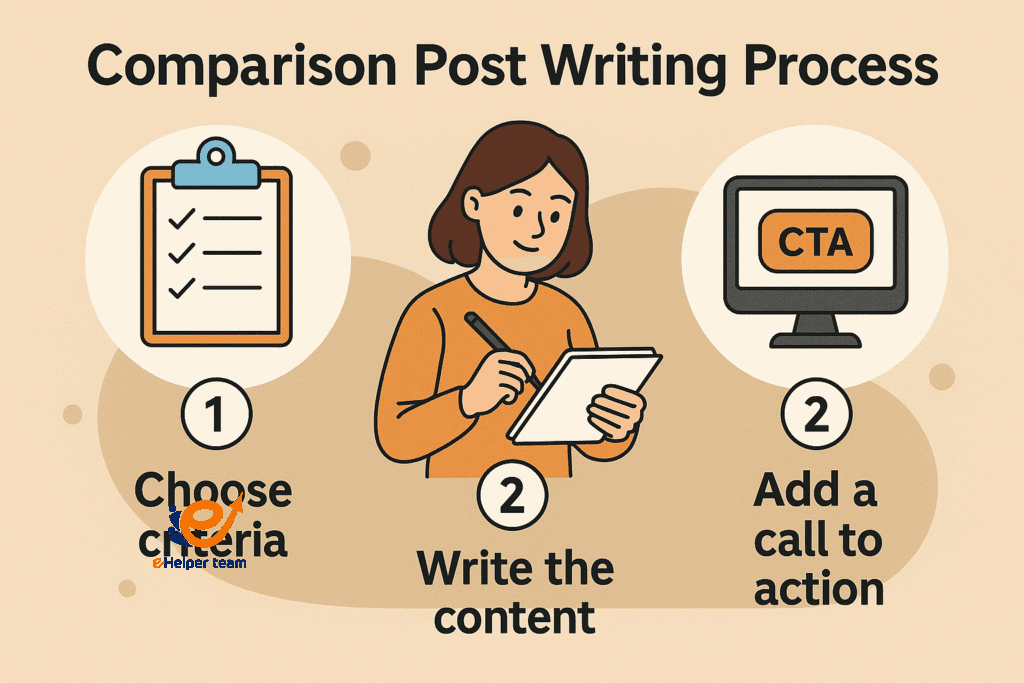
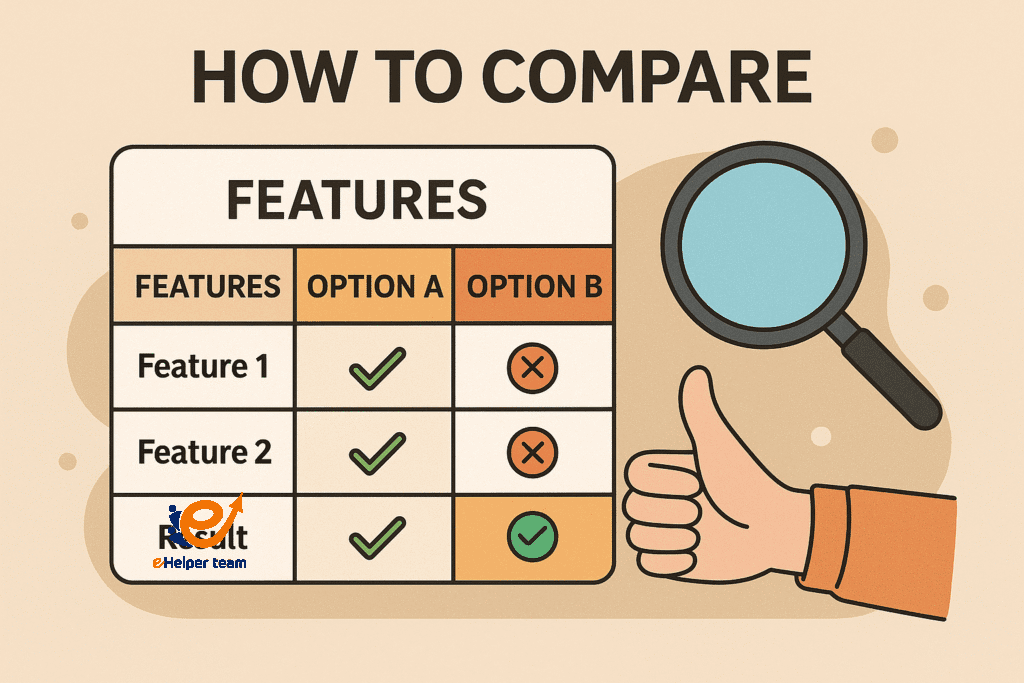
Begin with an introduction, then include a comparison table. Use bullet points, feature‑by‑feature sections, a verdict, and a strong call to action. Consistency makes your content easier to scan and more persuasive.
4.Use visuals or tables
Visuals help readers scan quickly. Include pricing comparisons, feature lists, or rating charts to support clarity and appeal to skimmers who want quick answers.
5.Insert the primary keyword naturally
The phrase how to write a comparison post appears in the title, introduction, and body without being forced. That balance helps SEO while keeping the reader experience natural and smooth.
Real comparison example of Blogger vs WordPress
A comparison like the Blogger vs WordPress guide gives readers a detailed look at functionality, SEO, customization, monetization, and support. Use a structure similar to that example to boost clarity, credibility, and conversion.
Using external strategies: HARO and building authority
What is HARO and why it matters
Help A Reporter Out (HARO) connects experts and journalists. Use it to build domain authority by being quoted in high‑profile articles.
Pitching reporters effectively
Craft brief, specific pitches aligned to each reporter’s requests. Avoid generic emails—tailor your message for higher response and credibility.
Becoming a trusted source
Building domain authority through HARO contributions supports trust in your comparison posts and boosts search visibility. Over time, this exposure strengthens the authority of your site.
Advanced optimization tips
1.Balanced SEO without stuffing
Keep keyword usage targeted at around 1.3% density. Use the primary keyword in strategic positions only once per section and avoid repeating it for the sake of it.
2.Internal and external linking
Link naturally to internal related content and cite one outside source for credibility. For example, reference a structured comparison from a credible platform without overloading the page with links.
3.Effective CTAs to drive action
Use persuasive prompts after comparisons like:
Explore your options today
Sign up now with the right choice for you
Try the platform that fits your needs
Case study: AI tools comparison review before FAQs
A great case study is the AI tools review and comparison post (AI apps review example). This type of content uses concise text, tables, clear verdicts, and strong CTAs to keep readers engaged and drive clicks. Use similar formatting in your own posts.
How Comparison Content Influences Digital Buying Decisions
In the age of digital consumption, search behavior is increasingly centered around “X vs Y” queries. This signals strong intent—readers are actively choosing between two solutions and are looking for clarity, not clutter.
Here’s how an effective comparison post contributes to conversions:
Simplifies decision-making by presenting key differences
Builds confidence in the reader’s final choice
Reduces research time, creating a smooth user experience
Comparison tables and visual breakdowns make this process easier and have been shown to increase conversion rates by up to 30% in some industries.
Common Mistakes in Writing Comparison Posts
Avoid these pitfalls if you want your comparison post to maintain credibility and drive results:
Over-promotion or bias toward one option without explanation
Using overly technical language that alienates the average reader
Skipping a clear summary or verdict, leaving the reader unsure
Forgetting a strong, visible CTA, which misses the opportunity for conversion
Using Comparison Content to Build Reader Trust
Trust is earned when the content feels honest and well-researched. Incorporating expert sources, third-party testimonials, or links to comprehensive overviews like this Ahrefs alternatives breakdown, shows you’re not just pushing a product—you’re helping the reader make the best decision.
Using real-world data or references to respected informational sources adds a layer of authority to your content.
Types of CTAs That Work Best in Comparison Posts
The CTA in a comparison post must respect the objectivity of your content. Instead of pushing one product aggressively, let your CTA reflect balance and trust:
“Find out which one fits your workflow”
“Start your trial today with the tool that suits you”
“Compare the features directly on the official site”
Position your CTA right after your final verdict or just below a summary table to maintain context.
Using Comparison Content in Email Campaigns
Comparison posts aren’t just effective on blogs—they’re powerful tools in email marketing. When subscribers are stuck between two services, a well-structured side-by-side analysis sent directly to their inbox can push them closer to a decision.
Embedding a visual comparison table in your email can increase link click-through rates by up to 40%, especially if paired with personalized recommendations.
How Comparisons Strengthen Your Overall Content Strategy
Integrating comparison posts within your broader content cluster can significantly elevate your authority in a niche. When paired with product reviews, tutorials, and case studies, comparison content:
Improves topical relevance in Google’s eyes
Increases internal linking opportunities
Keeps users engaged longer across related articles
This tactic contributes to improved rankings and user satisfaction simultaneously.
Frequently Asked Questions (FAQs)
Q: What should a comparison post include?
Include clear features, pros, cons, pricing, target audience, and final recommendation to guide the reader.
Q: How long should a comparison post be?
Aim for 1500 to 2000 words to provide enough value without overwhelming the reader.
Q: Can comparison posts include affiliate links?
Yes, as long as disclosure is clear and you maintain honesty to build trust with your audience.
Q: How often should the primary keyword appear?
Use it in the title, introduction, one main heading, and 2–3 times spread through the body.
Q: Is it better to compare two options or more?
Focus on two for clarity, especially if your audience wants a direct and simple decision path.
Conclusion
Now you know how to write a comparison post that converts effectively. Use structured headings, clear comparisons, visuals, and calls to action. Weave in strategies like HARO, pitching reporters, and building domain authority to amplify your visibility. Use examples such as the Blogger vs WordPress guide or the AI tools review to model your approach. Then implement your keyword placements, internal and external links transparently and strategically. Start crafting comparison posts that inform, persuade, and convert today.