How to Use TikTok Analytics: 5 Key Metrics That Will Skyrocket Your Growth
You’re putting in the work—recording, editing, and uploading TikToks—but something isn’t clicking. The likes are low, your follower count is stuck, and you’re wondering what’s going wrong. Sound familiar? The good news is, the answer is hiding in plain sight: TikTok analytics. If you’ve ever asked yourself how to use TikTok analytics to finally break through the noise, you’re in the right place.
In this guide, we’ll explore not just where to find these tools, but how to make sense of your metrics and translate them into actions that get results. Whether you’re a creator or a brand, understanding your audience and fine-tuning your content is no longer optional—it’s the difference between fading out and going viral.
And if you want to take your strategy even further, check out this expert guide to TikTok analytics in 2025. It’s a goldmine for planning smart content strategies this year.


Why TikTok Analytics Matter in 2025
TikTok is no longer just a platform for Gen Z dance trends—it’s a full-blown discovery engine. Whether you’re a content creator or a small business, data-driven storytelling is now your biggest advantage.
TikTok’s algorithm favors engagement-rich content
Personalized feeds mean the right content reaches the right viewers
Insights help you adapt your style to stay relevant
Getting Started with TikTok Analytics
Switch to a Pro Account
Before anything, ensure you have a Business or Creator account. This unlocks the analytics dashboard.
Access the Dashboard
Go to your profile > tap the three dots > “Creator Tools” > “Analytics.”
This dashboard is your gateway to understanding what’s working—and what’s not.
Overview of the TikTok Analytics Interface
TikTok’s analytics are divided into three key tabs:
Overview Tab: Tracks video views, followers, and profile views
Content Tab: Highlights performance for individual videos
Followers Tab: Offers audience demographics and activity
Understanding these categories is the first step toward actionable insights.
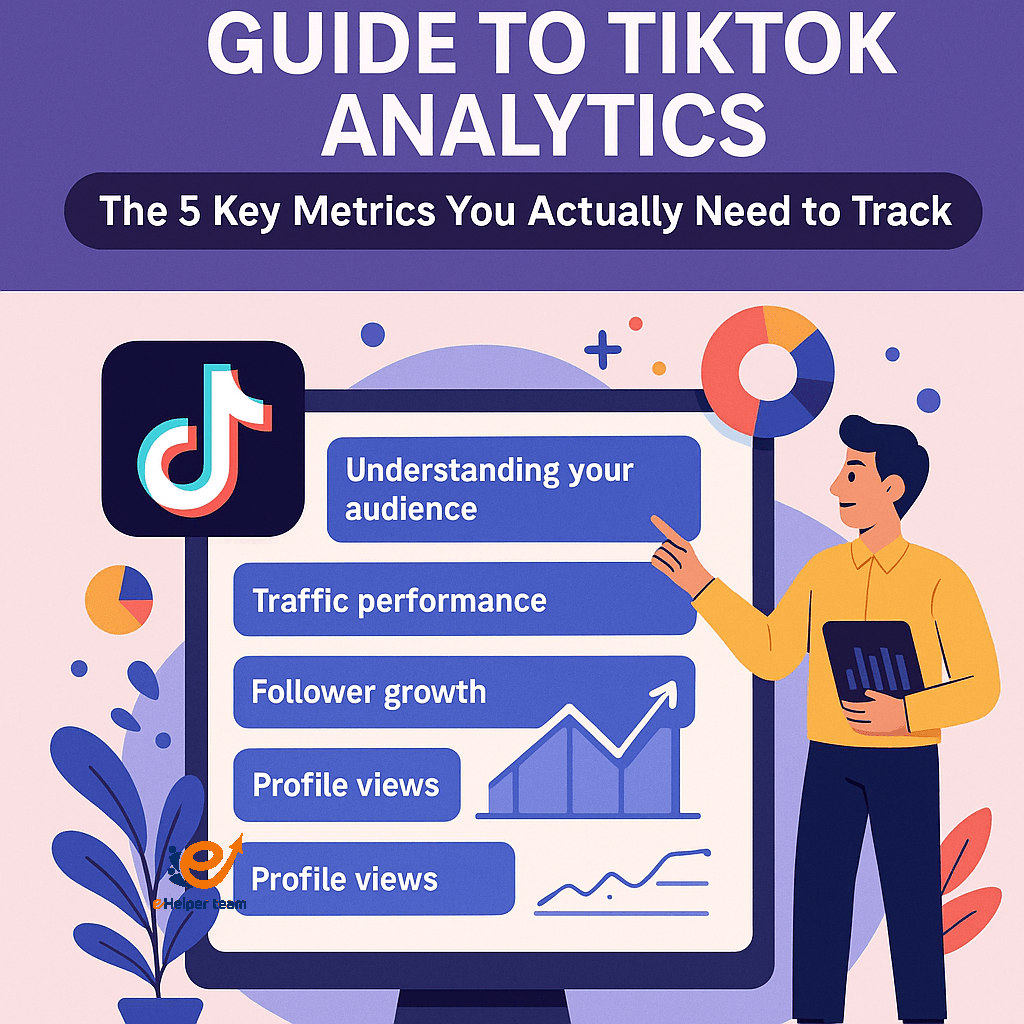
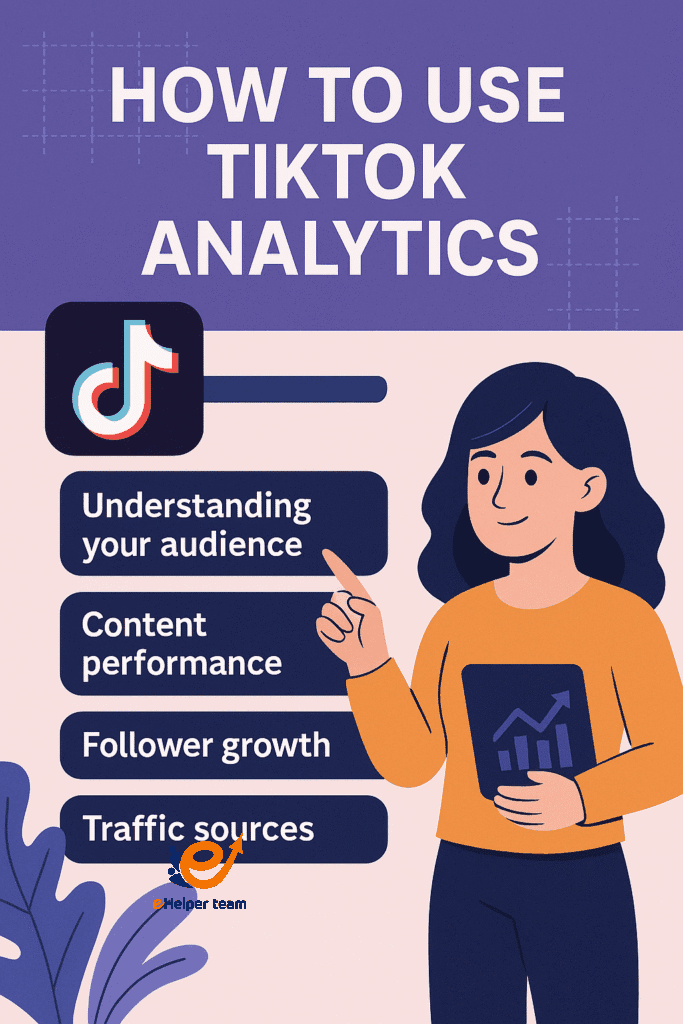
Key Metric 1 – Understanding Your Audience
Your audience isn’t just a number—it’s a blueprint for what to post and when.
See where your viewers live
Check their gender and age groups
Learn what time of day they’re most active
Using this data, you can tailor your uploads for maximum reach and engagement.
Key Metric 2 – Content Performance
This is the heart of your TikTok analytics journey.
Look at total views, average watch time, and shares
Identify which formats perform better (tutorials vs. humor vs. trends)
Reuse high-performing strategies
For even deeper insights on leveraging viral formats, explore how to repurpose TikTok content into Reels and Shorts.
Key Metric 3 – Follower Growth
Don’t just count your followers—track when and why they grew.
Match spikes in growth with specific posts
Test content types that attracted new followers
Avoid content that causes drop-offs
This helps you build a consistent strategy based on growth patterns.
Key Metric 4 – Traffic Sources
Where is your audience finding you?
From “For You” page
Search traffic
Profile links or external shares
By identifying traffic sources, you can amplify what’s already working and invest more time in underperforming areas.
Key Metric5 – Profile Views
Profile views indicate interest in who you are—not just what you post.
High profile views with low follows? Maybe your bio needs work
Use this metric to test calls-to-action and link strategies
It’s a simple way to diagnose missed opportunities.
Interpreting Your Data for Smarter Decisions
Use your data to test posting times, edit styles, or even video length. Consistently adapt and optimize your strategy.
Real Case Study: A TikTok Growth Story
One small business owner doubled their video engagement by shifting post times after reviewing their analytics. They noticed 8 PM got 2x more views than mornings—insight that was only visible after a month of tracking.
They also began using storytelling hooks—if you’re curious about those, here are 15 proven TikTok hook ideas that can help boost your views.
Repurposing High-Performing TikToks
Turn your best TikToks into Instagram Reels, YouTube Shorts, or even Pinterest Pins. This multiplies your reach using the same content but customized for each platform.
Common Mistakes to Avoid When Reading Analytics
Obsessing over likes instead of watch time
Misreading low engagement without considering post timing
Ignoring follower data when planning content
Tools to Enhance TikTok Analytics
Third-party tools can help:
Metricool
Exolyt
Analisa.io
These platforms give broader perspectives and competitor benchmarks.
How Often Should You Check TikTok Analytics?
Weekly: Track trends and engagement changes
Monthly: Identify long-term performance shifts
Per Post: Review individual results to optimize future videos
Expert Tips to Go Viral Based on Analytics
Use powerful opening hooks
Leverage trending sounds
Collaborate with creators in your niche
Consistently post when your audience is online
Need collaboration tips? Here’s a detailed look at smart TikTok partnerships and how they fuel growth.
How to Use TikTok Analytics to Improve Your Strategy Long-Term
Now that you’re familiar with the five essential metrics, it’s time to build a routine around how to use TikTok analytics for continuous improvement.
Build a Weekly Review Habit
Each week, spend 15–30 minutes reviewing:
What videos gained the most engagement
Posting days and times with best results
Any noticeable dips in follower activity
Document these insights in a simple spreadsheet or content planning tool. Over time, trends will become easier to spot.
Split-Test Your Ideas
Use A/B testing to experiment with:
Video lengths
Opening hooks
Hashtag styles
Caption tones (emojis vs. questions vs. statements)
Track performance for each variation. Even a 5% boost in average watch time can mean thousands of new views if your content reaches the For You page.
Aligning TikTok Metrics with Business Goals
For creators and businesses aged 35+ in the UK and US, understanding analytics isn’t just about vanity—it’s about impact.
Are You Driving Website Clicks or Sales?
If you’re promoting products or services:
Monitor link clicks in your bio
Use UTM tracking to identify TikTok as a traffic source in tools like Google Analytics
Compare TikTok-driven leads to other platforms like Facebook or YouTube
This helps justify your investment in TikTok marketing.
Measure Conversion-Related Behaviors
Content that:
Drives profile views.
Generates DMs.
Gets saved by use.
may be more valuable than videos with high view counts but low interaction. Customize your approach based on your business goals, not just trends.
Leveraging TikTok Analytics for Content Calendar Planning
Don’t just analyze in isolation—turn your data into a predictive content calendar.
1.Use Insights to Create Themes
If educational content performs better than humor on your channel, prioritize that format every week. If Sundays yield the most interactions, reserve that day for your most important uploads.
Consider creating:
| Week | Theme | Post Focus | Ideal Time |
|---|---|---|---|
| 1 | Tutorials | How-to content with CTAs | 7 PM |
| 2 | Testimonials | Client feedback or reviews | 6 PM |
| 3 | Behind-the-Scenes | Production, packaging, or setup | 8 PM |
| 4 | Value Tips | Industry secrets, listicles | 7:30 PM |
This type of planning builds consistency for your audience—and for TikTok’s algorithm.
Collaborations, Sound Trends, and Your Data
TikTok analytics can also tell you when it’s time to collaborate or hop on a trend.
If your duet content performs better, explore collabs with niche influencers
Track which sound trends improve your average watch time
Adjust your hashtags and voiceover styles based on viewer retention metrics
To learn more about viral success using data-driven techniques, we recommend this breakdown of TikTok & Reels strategies for 2025. It outlines how creators are using analytics to engineer viral videos consistently.
FAQs About TikTok Analytics
Q1: Do I need a business account to access TikTok analytics?
Yes, switching to a Creator or Business account unlocks analytics features.
Q2: How do I know which content performs best?
Check the “Content” tab for views, watch time, and shares.
Q3: What does average watch time mean?
It tells you how long people watch before scrolling. Higher times mean better engagement.
Q4: Can I export my TikTok analytics?
Currently, TikTok does not support exporting data directly.
Q5: How long should I track analytics before adjusting my strategy?
Track for at least 30 days to spot meaningful trends.
Conclusion and Call to Action
TikTok analytics isn’t just a feature—it’s your strategic compass. By understanding your audience, tracking performance, and optimizing content using real data, you’re setting yourself up for growth.
Ready to take your content to the next level? Start checking your metrics regularly and align your content strategy with real-world insights. TikTok success is just a dashboard away.


