How to Set Up Professional Business Email in 2025
Have you ever wondered why successful businesses never rely on a personal @gmail.com address when communicating with clients? The truth is simple: first impressions matter, and a professional business email linked to your own domain immediately builds trust and authority. That’s why learning how to set up professional business email is not just an option but a necessity for entrepreneurs and companies in today’s digital-first economy.
Think about the difference it makes when you receive an email from john@yourcompany.com compared to john123@gmail.com. One speaks of professionalism, branding, and credibility, while the other may raise doubts about authenticity. For small businesses and startups aiming to compete in saturated markets, a professional email setup is an affordable step that yields significant long-term benefits.
So, what exactly goes into setting up a business email? Is it expensive, time-consuming, or only for large corporations? In this guide, we’ll break down everything you need to know—from choosing between Google Workspace and Zoho Mail to exploring free business email options and understanding why your domain matters. By the end, you’ll be able to confidently create your own business email system that not only looks professional but also supports your growth strategy.


Why a Professional Business Email Matters
1.Importance of Branding
A professional email address is part of your company’s identity. Just as you wouldn’t use a handwritten sign for your storefront, you shouldn’t use a free Gmail address when communicating with clients. A branded email helps reinforce your business image, improves memorability, and enhances customer trust.
2. Perception of Credibility
Studies show that consumers are more likely to engage with businesses that use a company-branded email. A generic Gmail or Yahoo address might make potential clients question your reliability. Professional communication demonstrates commitment and legitimacy.
3.Security and Organization
Beyond branding, business emails offer better spam filtering, security, and administrative control. With your own domain, you can create multiple addresses (e.g., support@yourcompany.com, sales@yourcompany.com), ensuring smooth internal and external communication.
How to Set Up Professional Business Email Step by Step
Step 1: Choose Your Domain Name
Your domain name is the foundation of your email identity. If you already own a website domain, you can use it for your email. If not, purchase one from registrars like Namecheap, GoDaddy, or Google Domains.
Step 2: Pick an Email Hosting Provider
When it comes to hosting, two of the most popular options are:
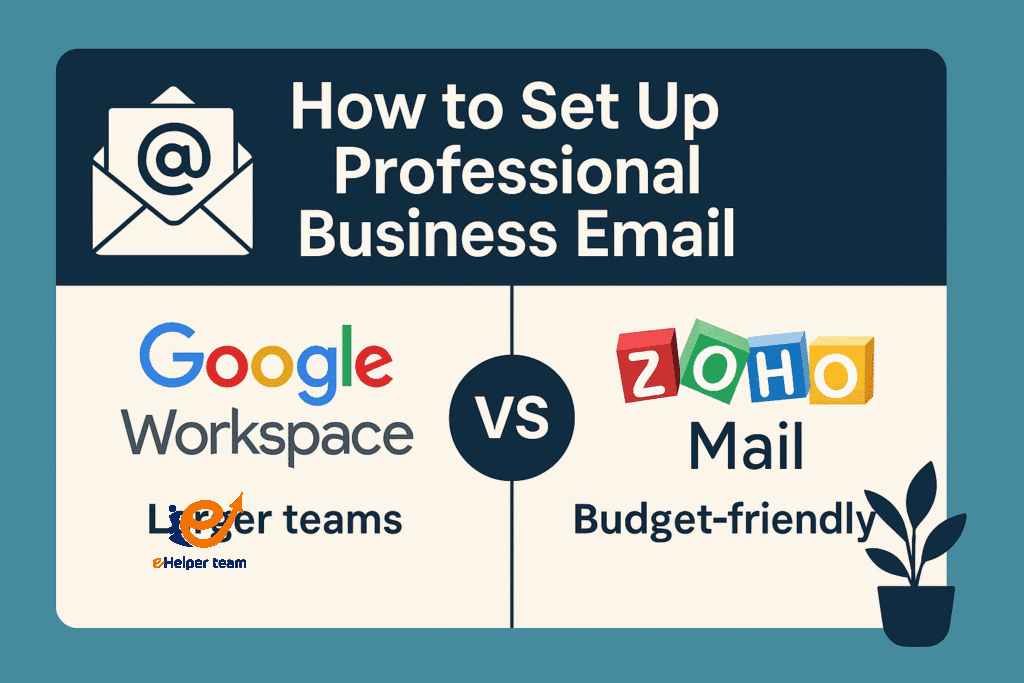
Google Workspace: User-friendly, integrates seamlessly with other Google tools.
Zoho Mail: Cost-effective, great for startups, offers free business email for small teams.
For an in-depth comparison, many entrepreneurs debate google workspace vs zoho mail to determine which best fits their needs.
Step 3: Connect Your Domain with Your Email Provider
This step involves updating DNS records. Your provider will guide you with instructions—usually adding MX records in your domain registrar’s dashboard.
Step 4: Test and Optimize
Send test emails to ensure deliverability. Set up professional signatures, add your logo, and integrate your email with tools like CRM platforms to maximize efficiency.
Free Business Email Options
Not every business needs a premium solution immediately. Several providers offer limited free business email hosting:
Zoho Mail (up to 5 users)
Yandex Mail for Domain
Some web hosting companies include free email accounts with domain purchase
While free plans may lack advanced features, they provide an excellent starting point for small businesses or freelancers testing the waters.
The Role of Professional Email in Marketing Campaigns
A professional business email does more than just send messages—it can power effective marketing. According to research, emails with branded domains enjoy higher open and response rates. This is especially critical when running marketing campaigns where credibility determines engagement.
For instance, tools highlighted in this email marketing campaign guide emphasize that email trustworthiness is key to conversion rates. Without a professional domain, even the best campaigns risk being ignored.
Case Study: Small Business Transformation
Consider a local bakery that initially used bakerylondon@gmail.com for all client communications. After shifting to contact@londonbakery.com, they noticed:
A 25% increase in customer replies
Higher success with corporate catering contracts
Improved recognition in local search results
This simple change strengthened their branding and contributed to measurable growth.
Comparison Table: Google Workspace vs Zoho Mail
| Feature | Google Workspace | Zoho Mail |
|---|---|---|
| Pricing | Starts at $6/user/month | Free for 5 users, premium plans cheaper |
| Storage | 30 GB+ | 5 GB+ |
| Integration | Excellent with Google Apps | Good, includes Zoho ecosystem |
| Support | 24/7 customer support | Email-based, limited on free plan |
Expanding Your Business with Professional Tools
Once you set up your business email, you can integrate it with calendars, task managers, and automation tools. This enhances productivity and ensures smoother collaboration across teams. For individuals pursuing online careers like virtual assistants, setting up a business email is a must-have to appear credible. Resources like this 7-day success plan highlight how professional emails play a central role in freelancing success.
Additional Key Points to Consider
When you decide to set up professional business email, it’s not just about replacing a Gmail account. Several extra factors can strengthen your brand and improve communication. Keep these points in mind:
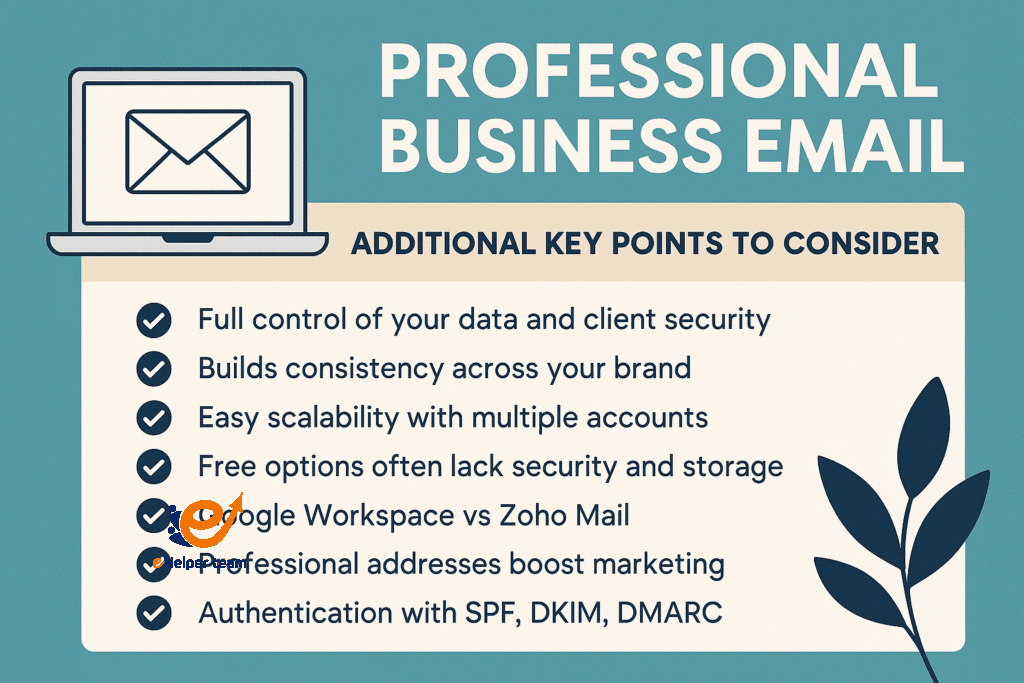
Gaining full control of your data and client security is one of the biggest advantages when you set up professional business email compared to relying on free providers.
Using your domain for email builds consistency across your website, social media, and professional communication channels.
The importance of branding is clear: clients are more likely to trust and remember a branded domain than a generic Gmail account.
Comparing google workspace vs zoho mail helps businesses choose the right path—Google works best for larger collaborative teams, while Zoho is a budget-friendly choice for startups.
While free business email options exist, they often lack proper storage, security features, and the professional credibility needed to build long-term trust.
Professional addresses boost marketing effectiveness by improving open rates, increasing engagement, and strengthening customer relationships.
Setting up multiple accounts such as support@ or sales@ makes it easy to scale and organize different departments in a professional way.
Strong authentication protocols like SPF, DKIM, and DMARC ensure deliverability and prevent your emails from landing in spam folders.
The future of business email is moving toward AI integration, which will help draft replies, prioritize communication, and maintain a consistent professional tone.
FAQs
Q1: Why should I avoid using Gmail for business communication?
Because it lacks branding, reduces credibility, and can be seen as unprofessional in client-facing industries.
Q2: Is Zoho Mail really free for business emails?
Yes, Zoho Mail offers a free plan for up to 5 users, though premium features require paid upgrades.
Q3: Can I use my existing domain for email?
Absolutely. You can connect your existing domain to a provider like Google Workspace or Zoho Mail.
Q4: How secure are professional business emails compared to free Gmail accounts?
They generally provide stronger spam filters, administrative control, and compliance options for businesses.
Q5: Which is better—Google Workspace or Zoho Mail?
It depends on your budget and needs. Google is highly integrated and user-friendly, while Zoho is cost-effective and feature-rich for smaller teams.
Conclusion
Setting up a professional business email is not just about sending messages—it’s about establishing credibility, reinforcing branding, and unlocking new growth opportunities. Whether you choose Google Workspace, Zoho Mail, or even a free option to begin with, your domain-linked email is the first step toward projecting authority in your industry.
So don’t wait—explore your options today and make the switch to a professional email address that represents your brand with pride.