YouTube Video Description Template: Proven Guide for SEO & Engagement
When was the last time you reviewed how you write your video descriptions? For many creators, the youtube video description template is an afterthought, simply a place to drop a few lines about the video. But in reality, this small section can make a huge difference in your visibility, click-through rate, and subscriber growth.
Imagine putting hours into filming and editing, only to have your video buried under the competition because your description didn’t include keywords, relevant links, or a clear call to action. Your description box is not just filler text—it’s prime real estate for communicating with viewers and with YouTube’s algorithm.
In this article, we’ll break down how to create an effective, structured, and SEO-friendly video description. You’ll learn what to put in a YouTube description, how to use timestamps, why affiliate links matter, and how to strategically link to other videos. By the end, you’ll have a template you can apply to every upload for consistent, measurable results.

Why the YouTube Description Box Is So Important
1. A Direct Line to the Algorithm
The description box tells YouTube’s algorithm what your video is about. Including your primary keywords naturally throughout improves your ranking potential.
2. A Viewer Conversion Tool
When optimized, your description can encourage likes, shares, and subscriptions. It’s a chance to reinforce your message and give clear next steps.
3.Extra Space for Resources and Links
From affiliate links to blog posts, the description box acts as a hub for all relevant resources you want your audience to explore.
What to Put in a YouTube Description
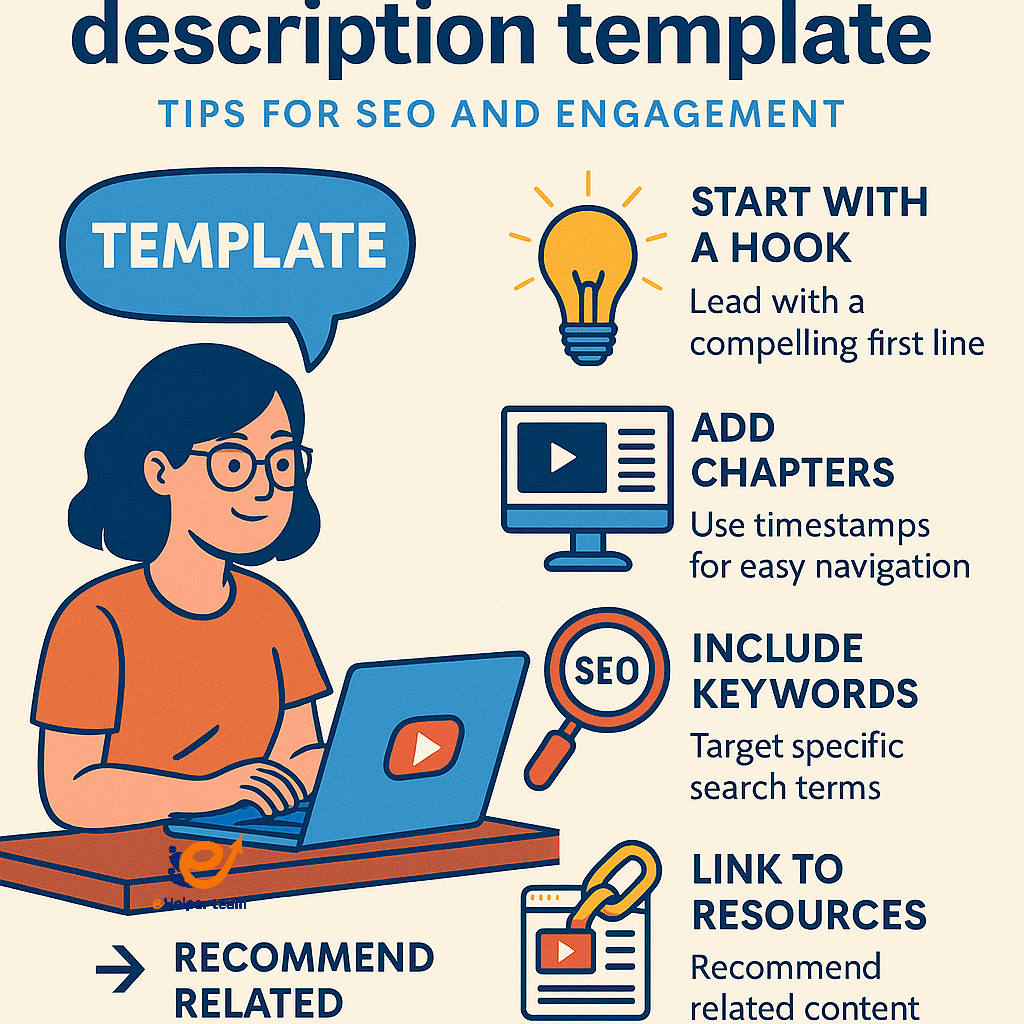
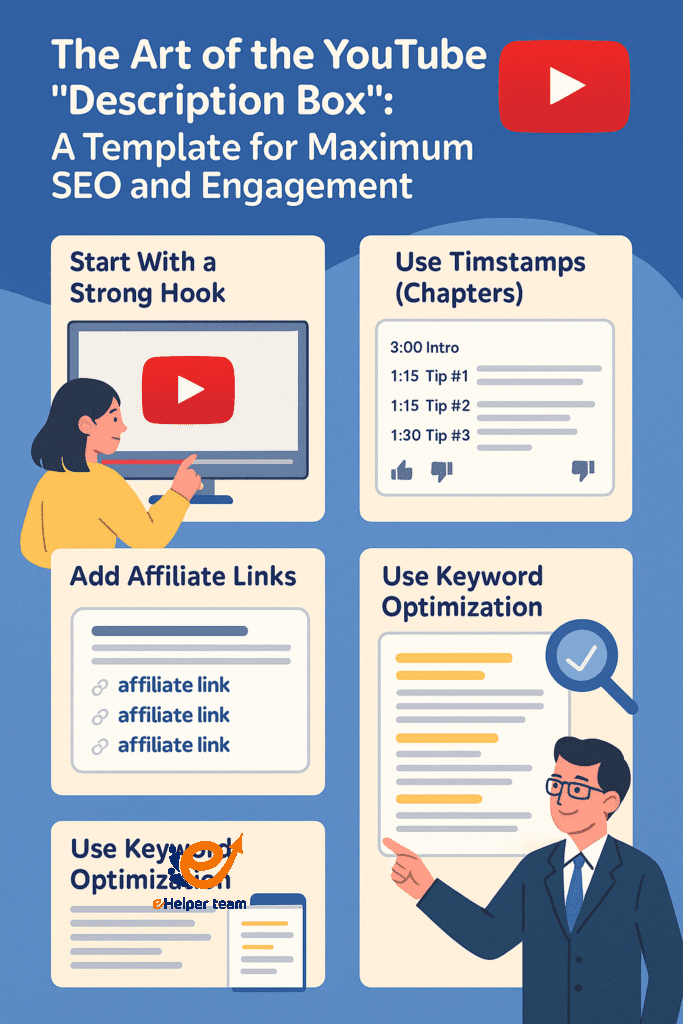
1.Start with a Strong Hook
Your first 2–3 sentences are critical—they appear in search previews. This is where keyword optimization starts.
2. Add a Brief Video Summary
Tell viewers exactly what they’ll get from watching, without giving everything away.
3. Use Timestamps (Chapters)
Break your video into sections using timestamps so viewers can jump to the parts they care about most.
(Mid-article resource): For more ways to write engaging video text, check out this Instagram caption writing guide—many of these strategies apply perfectly to YouTube descriptions.
The Structure of an Effective YouTube Video Description Template
| Section | Purpose | Example |
|---|---|---|
| Opening Hook | Capture attention & include keywords | “Learn how to create stunning travel vlogs in just 10 minutes…” |
| Summary | Give an overview of the content | “In this video, we’ll cover tips for filming, editing, and SEO.” |
| Links & Resources | Drive traffic to related content | Blog posts, affiliate products, playlists |
| Timestamps | Improve navigation | 0:00 Intro, 1:15 Tip #1, 2:40 Tip #2 |
| Call to Action | Prompt engagement | “Subscribe for weekly content!” |
Natural Placement
Include your keywords in the opening, summary, and call to action without sounding forced.
Supporting Keywords
Use secondary keywords like what to put in YouTube description or linking to other videos to give the algorithm context.
Linking to Other Videos and Playlists
Adding links to other videos keeps viewers on your channel longer, which boosts watch time—a key ranking factor. You can place these links:
At the end of the description under “Watch Next”
Within relevant timestamps
In a dedicated “Resources” section
Case Study – Zero Budget, Big Impact
A creator in the tech niche applied an optimized youtube video description template along with a zero-cost promotion strategy. In 3 months, they saw:
38% increase in video views
21% increase in subscriber growth
Significant boost in average watch time
For a detailed breakdown of such strategies, read this zero budget marketing plan that works even outside YouTube.
Avoiding Common Description Mistakes
Writing generic, non-specific text
Ignoring keywords completely
Overloading with irrelevant links
Failing to update outdated information
Before the FAQs – Extra SEO Tips
To further refine your approach, review this on-page SEO checklist and adapt it for YouTube descriptions.
Advanced Tips to Enhance Your YouTube Video Description Template
Once you’ve mastered the basics, it’s time to add advanced elements that make your descriptions stand out even more. A well-crafted youtube video description template not only serves the algorithm but also creates a smoother viewer journey from start to finish.
Integrating Cross-Promotion
Use your description to promote relevant playlists or series you’ve created. Instead of just linking to “another video,” explain why the viewer should click it. For example:
“If you enjoyed this tutorial, check out my full playlist on beginner editing techniques for faster growth.”
Strategic Placement of Affiliate Links
When adding affiliate links, don’t bury them at the bottom. Position your most valuable links right after your opening paragraph, so they appear before the “Show More” cut. Always keep your affiliate section organized with bullet points for easy scanning.
Balancing Keywords with Readability
The most effective youtube video description template seamlessly blends keyword optimization with a conversational tone. You can include supporting terms like using timestamps (chapters) or linking to other videos without making the text feel robotic.
Using Analytics to Refine Your Description Strategy
YouTube Analytics offers insights into how viewers find your videos. Look at:
Traffic Sources – See if viewers come from search results where your keywords are used.
Click-Through Rate (CTR) – If CTR is low, your first lines may need more punch.
Average View Duration – Shows whether your description sets realistic expectations that match the content.
By updating your youtube video description template based on analytics, you ensure each upload performs better than the last.
Incorporating Social Proof in the Description
Adding mentions of milestones or audience engagement can build credibility:
“Over 50,000 creators have improved their SEO with this strategy—now it’s your turn.”
This subtle tactic can increase trust and motivate viewers to follow your calls to action.
Optimizing for Mobile Viewers
Since most viewers watch YouTube on mobile, ensure your first 100 characters pack value. Mobile users see less text before clicking “More,” so prioritize:
Primary keywords
A compelling hook
High-value links
A youtube video description template designed with mobile in mind often outperforms those written without considering device limitations.
When to Use a Short vs. Long Description
Not every video needs a lengthy description. For quick updates or announcements, a concise 100–150 word format may be enough. However, for tutorials, reviews, or content with multiple resources, a long-form description can provide added value and SEO benefits.
Resource – Writing for Multiple Platforms
If you want to extend your reach beyond YouTube, review this Pro Guide on Writing Captions—many caption strategies translate directly into better video descriptions.
Using Data-Driven Optimization for Better Results
By checking YouTube Studio metrics such as average percentage viewed, traffic sources, and click-through rates, you can identify patterns in your top-performing videos. This allows you to refine your description for maximum retention and engagement. For instance:
If most traffic comes from search, focus on strengthening keyword placement.
If external traffic is high, ensure your outbound links are positioned prominently.
If CTR is low, rework the opening sentences for more compelling hooks.
Creators can also take advantage of A/B testing by uploading two versions of a video with slightly different descriptions to see which one performs better. This approach, grounded in data analysis, ensures every change is backed by measurable evidence rather than assumptions.
FAQs – YouTube Video Description Template
Q1: How long should my YouTube description be?
Aim for 150–300 words with a mix of keywords, links, and clear formatting.
Q2: Should I repeat my keywords in the description?
Yes, but keep it natural—2–3 times is ideal.
Q3: Do timestamps really help SEO?
Yes, they improve viewer experience and can enhance search snippets.
Q4: Can I add affiliate links to my description?
Yes, but always disclose them for transparency.
Q5: How often should I update my description template?
Review it every few months to ensure links and keywords are up-to-date.
Conclusion
Mastering the youtube video description template is more than just a matter of filling in text—it’s about creating a strategic tool that boosts visibility, improves audience engagement, and supports your overall channel growth. By combining keyword optimization, clear structure, and valuable links, your description box becomes a powerful extension of your content strategy.


